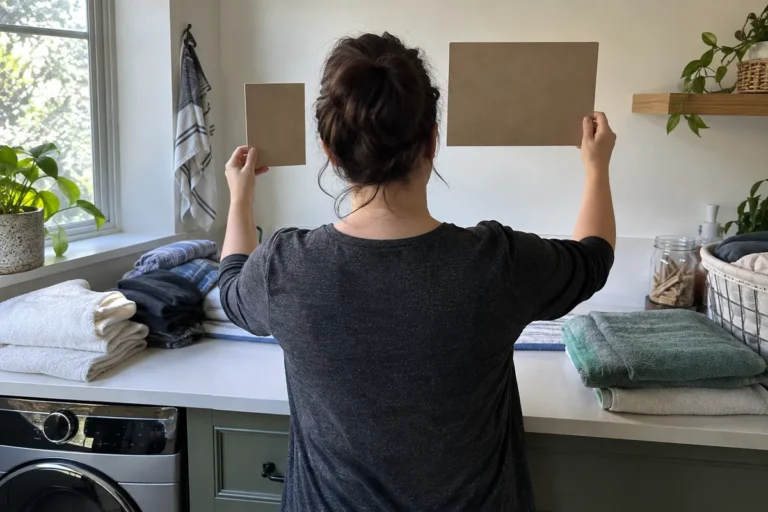
How Should Brands Choose a Parent-Unit Screen Size for Their Intended Use?
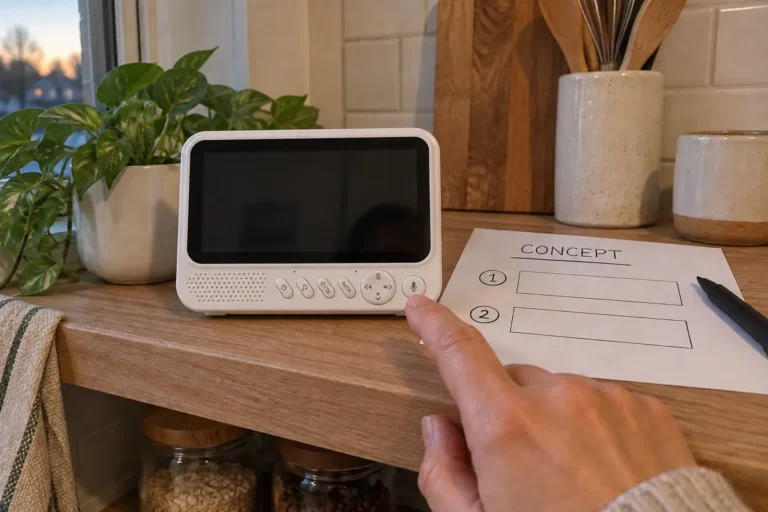
Choose a baby monitor parent-unit screen size by viewing task, carrying pattern, product role and sample comparison instead of assuming larger is better.
Reviewed ANHONG articles grouped around this B2B sourcing and product-development category.
Choose a baby monitor parent-unit screen size by viewing task, carrying pattern, product role and sample comparison instead of assuming larger is better.
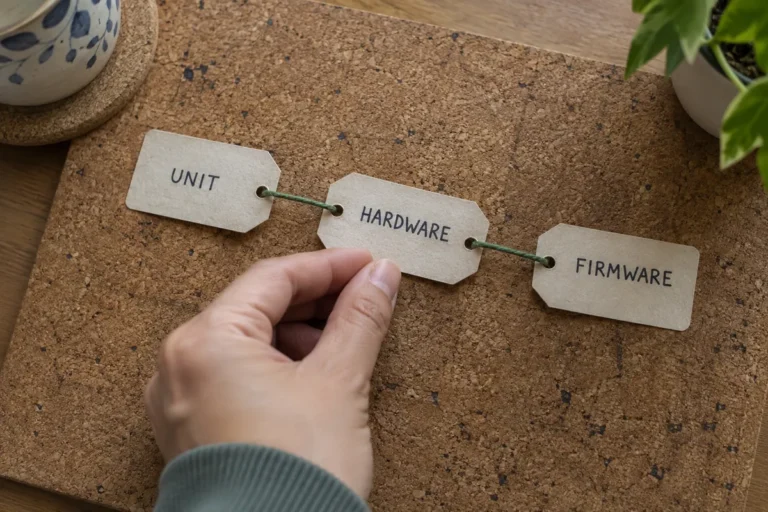
Connect a baby monitor serial number with batch, hardware and firmware records so a brand can ask targeted configuration questions after approval.
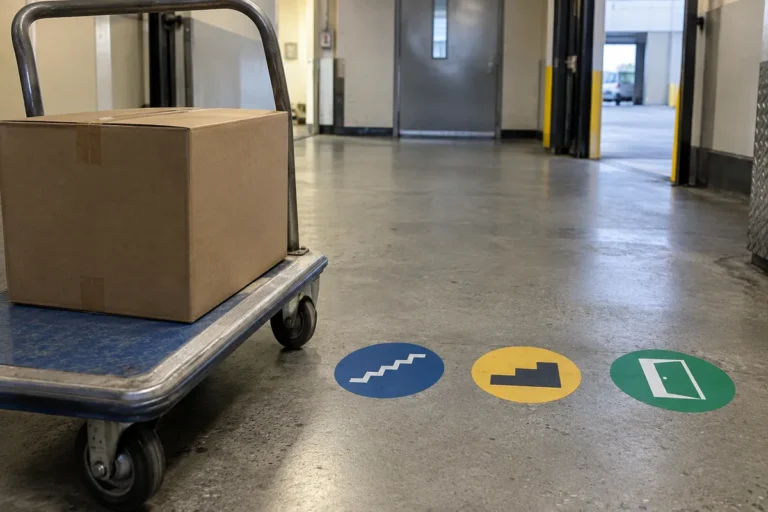
Select a distribution profile for baby monitor packaging evidence by route, configuration, pack-out and test objective instead of assuming one box fits all.
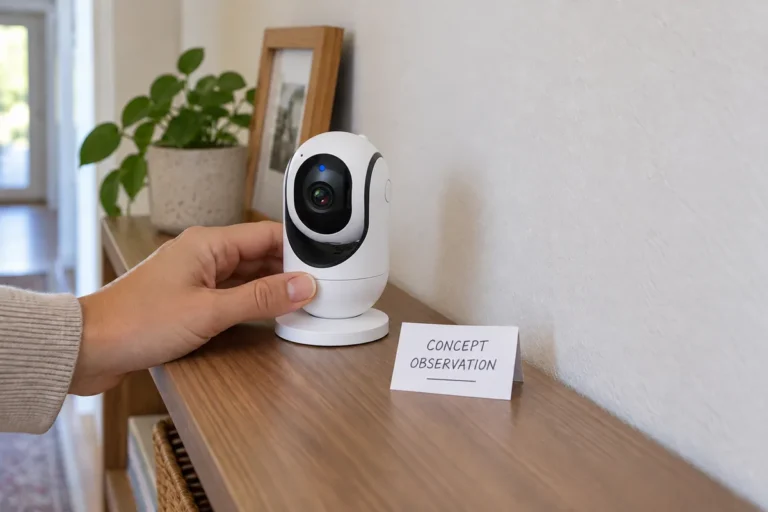
Review movement-related PTZ baby monitor sound by stationary, moving and stopped states across local and remote listening paths without guessing cause.
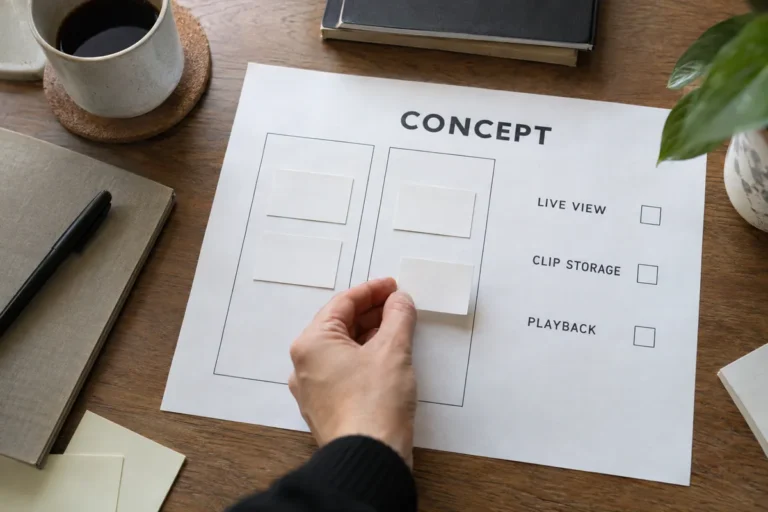
Allocate baby monitor recording features by product-line job, channel promise and support responsibility instead of treating them as a premium checkbox.
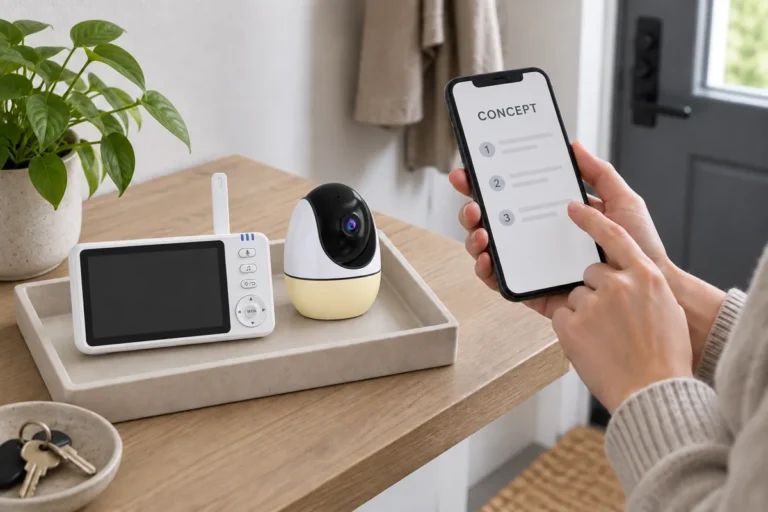
Verify account unlinking, device reset, onboarding and support boundaries when a connected baby monitor changes owners without overclaiming deletion.
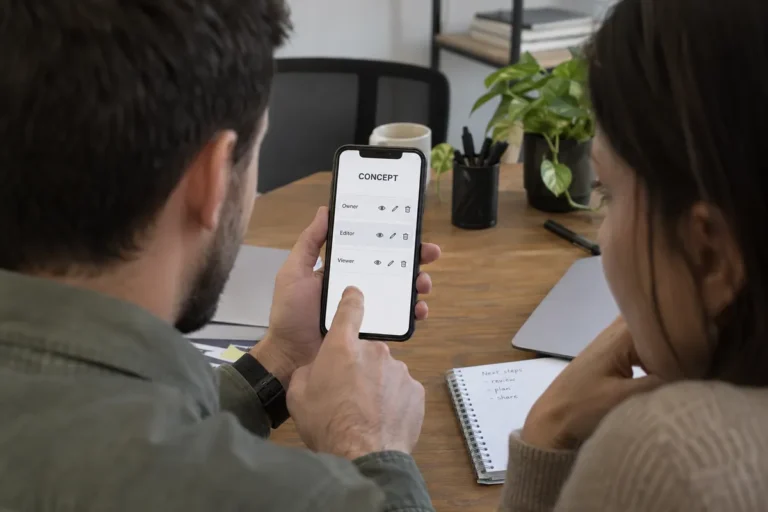
Define viewing, control, invitation and revocation permissions for shared baby monitor accounts so a brand can review a specific configuration clearly.
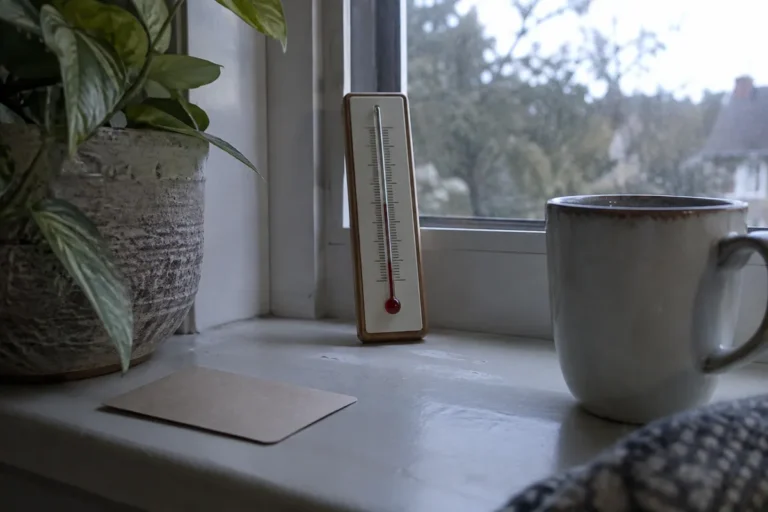
Review a baby monitor room-temperature reading with placement, stabilization, reference and wording boundaries without turning it into a health claim.
Define lullaby, monitoring, talk-back and alert priorities before sourcing a baby monitor, then make the sample review and support brief clear.

Compare baby monitor digital zoom by viewing task, lost context, return controls and configuration to build a practical, reviewable sample brief for buyers.