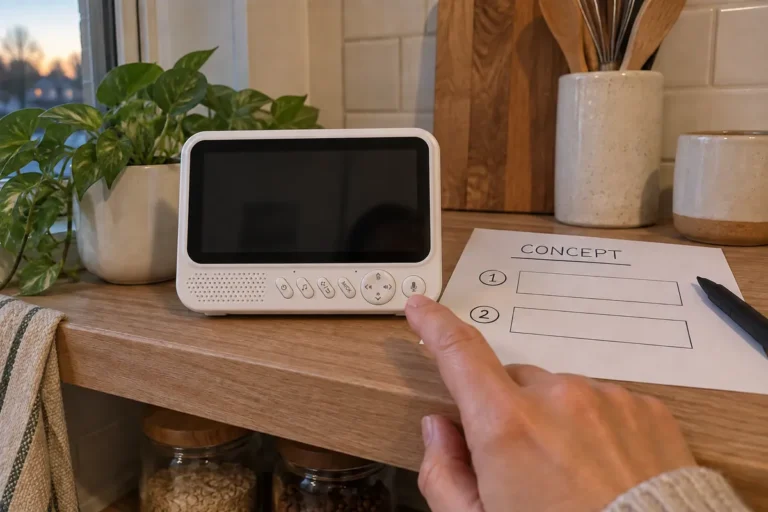
Why Does Your Neighbor’s Wi-Fi Break Your Baby Monitor’s Picture?
Baby monitors share the 2.4GHz band with every Wi-Fi router and Bluetooth device in the home. Here's why the move from 4M to 20M-bandwidth wireless chips changed interference resilience — and why it's a sourcing signal you can't ignore.
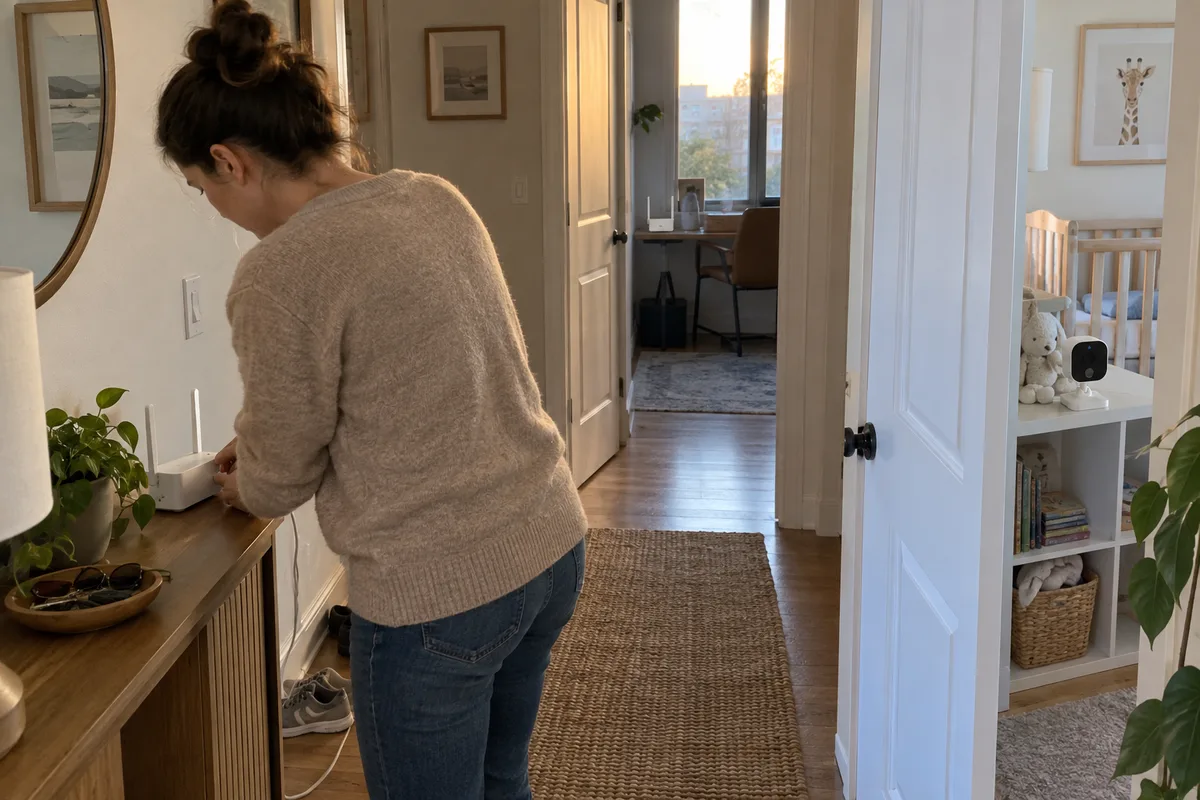
There’s a support ticket we used to dread: "The monitor was fine until we got a new router."
A customer buys a monitor, it works perfectly, and then one day the picture starts stuttering. They didn’t change anything on our side. Their neighbor upgraded to a mesh Wi-Fi system, or they added a smart speaker, and suddenly our signal is drowning in someone else’s.
That’s the reality of the 2.4GHz band. Every baby monitor lives there — and so does everything else. If you’re sourcing monitors, understanding this coexistence problem is the difference between a product that works in a lab and one that works in a real, crowded home.
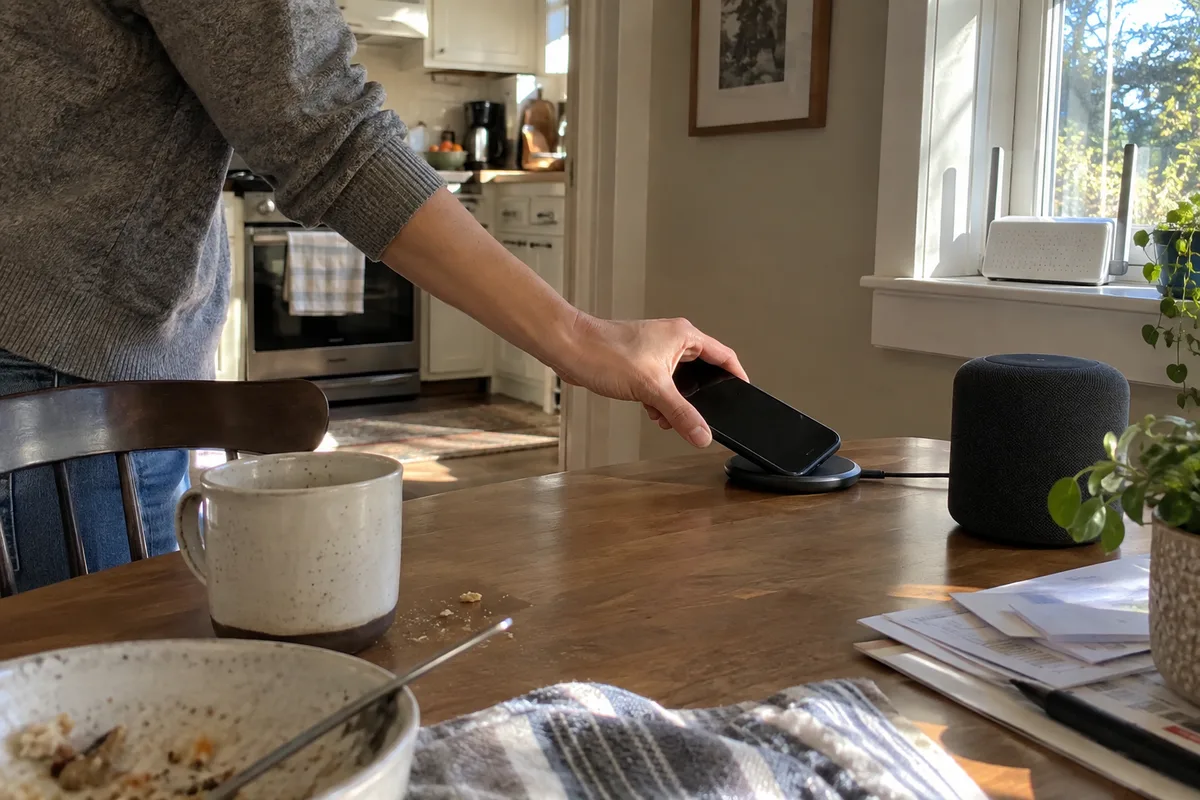
Why Do Three Technologies Have to Share One Crowded Band?
Every wireless baby monitor operates in the 2.400–2.4835 GHz ISM band. This isn’t a design choice — it’s regulatory reality. It’s the only globally available unlicensed spectrum suitable for continuous video at consumer price points.
The problem: that same band is home to two other ubiquitous technologies.
| Technology | Typical Bandwidth | Duty Cycle |
|---|---|---|
| Wi-Fi (2.4GHz) | 20–40 MHz per channel | High (continuous data) |
| Bluetooth / BLE | 1–2 MHz per channel | Bursty (intermittent) |
| Baby monitor video | 2–8 MHz (legacy) | Continuous (always-on) |
In a typical home, the router sits on Channel 1, 6, or 11 of the 802.11 standard — each occupying 22 MHz of spectrum. Bluetooth devices hop across 79 channels in the same band. A legacy monitor locked to a narrow 2–4 MHz channel is trying to hold a conversation while two other people shout continuously.
This is classic electromagnetic interference, and it’s the single most common cause of the "it worked, then it didn’t" complaint.
Did "More Channels" Actually Fix the Problem? (Not Really)
For years, the industry’s answer was more channels and smarter channel-hopping. The logic: switch to a clean channel faster, and interference hurts less.
It helps — to a point. But it hits two walls:
- Narrow bandwidth stays vulnerable. A 4 MHz channel can’t dodge a 20 MHz Wi-Fi signal forever. One wide Wi-Fi channel can blanket several narrow monitor channels at once, leaving nowhere clean to hop.
- Hopping itself costs time. Every switch forces re-synchronization. In a home streaming 4K video continuously, the system can spend more time hopping than transmitting.
Channel-hopping was a band-aid. The real fix came from a different direction entirely.
How Did Moving From 4M to 20M Chips Change the Game?
Around early 2025, the supply chain made a shift: from 4M-bandwidth wireless modulation chips (the 2019–2020 standard) to new-generation 20M-bandwidth chips.
The logic sounds backwards at first — shouldn’t a wider signal overlap with more interference? The answer is in how digital modulation and error correction actually work:
1. More data per symbol period. A 20M chip packs more information into the same time window. Fewer transmission slots per frame means less time exposed to any single interference source.
2. Better error-correction headroom. Wider bandwidth buys room for stronger forward error correction without sacrificing quality. If interference corrupts a slice of a burst, the wide-band system recovers the frame; the narrow system shows artifacts or drops it.
3. Higher noise tolerance. With roughly 5× the bandwidth, the system keeps a usable signal at lower signal-to-noise thresholds — it keeps working as ambient RF noise climbs.
What that looks like in practice
| Metric | 4M Chip (Legacy) | 20M Chip (Current) |
|---|---|---|
| Resolution under interference | Degrades to VGA or lower | Maintains 720P |
| Frame drops near an active router | 15–25% typical | <2% typical |
| Channel re-acquisition after a spike | 200–500ms | 50–100ms |

Why Wasn’t This a Simple Chip Swap? (And Why That Matters to You)
Moving to a 20M chip is not a BOM line-item change. It’s an RF engineering project:
- PCB re-layout — wider signals are far more sensitive to trace impedance, ground-plane continuity, and antenna matching
- Firmware rewrite — modulation parameters, channel tables, and sync protocols all change between chip generations
- Re-certification — FCC, CE, and other regulators require re-testing when the RF front-end changes materially
- Supply-chain re-qualification — a new chip means a new vendor, new lead times, new QC checkpoints
This is why it’s such a useful sourcing signal: a vendor who has already made this transition has demonstrated real RF capability, not just assembly. Ask whether they’re on 4M or 20M, and watch how confidently they answer.
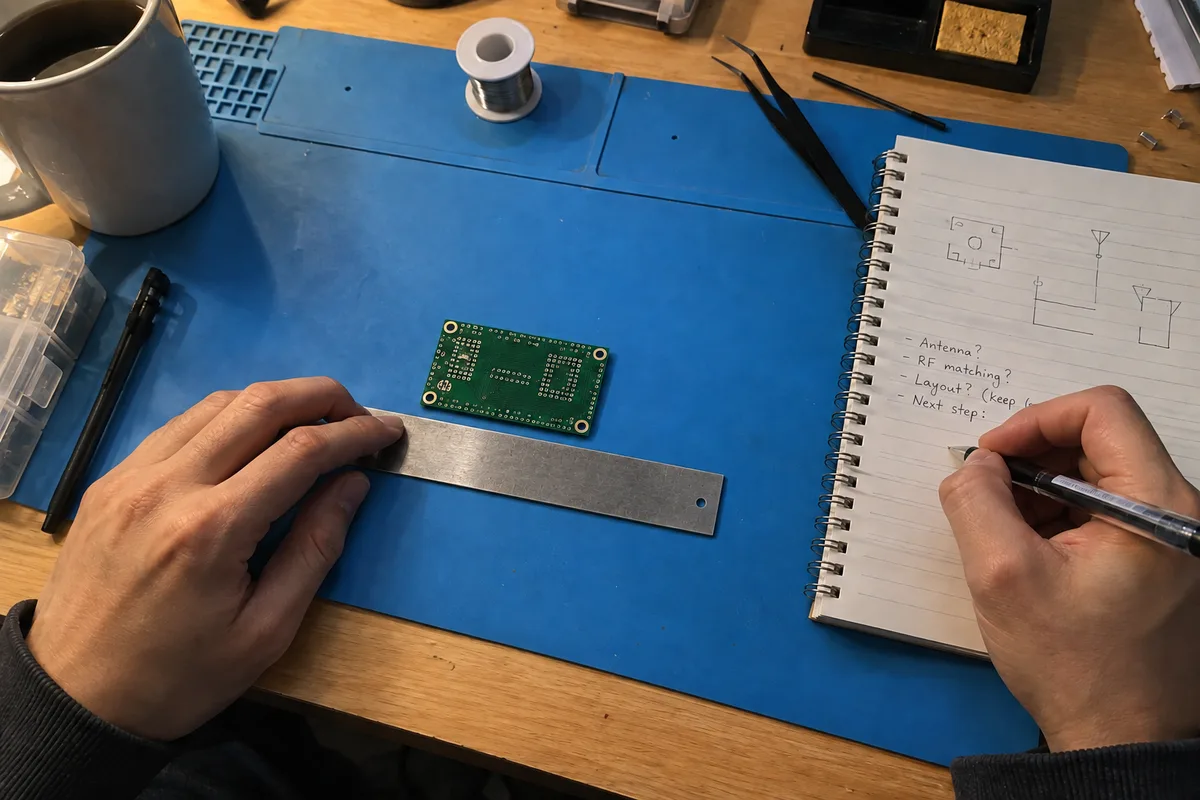
What Should You Actually Ask Your Supplier?
1. Which generation wireless chip are you on — 4M or 20M?
This single question separates current products from legacy ones. If they’re still on 4M, ask why, and ask what happens to the picture when a Wi-Fi router is streaming nearby.
2. Can you show me a coexistence test?
Request a test report with a live Wi-Fi router running continuous traffic in the same room. A credible vendor has this data; a reseller doesn’t.
3. What happens at the edge of interference?
Ask for the frame-drop rate and channel re-acquisition time under load. If they can’t quote numbers, they haven’t measured it.
4. Have you re-certified the RF front-end?
A 20M upgrade requires FCC/CE re-testing. Ask for the current test reports for the exact model you’re ordering — not a similar model from two years ago.

FAQ
Q: Will my monitor work if the customer has a mesh Wi-Fi system?
Mesh systems flood the band with multiple access points, so they’re a worst-case scenario for legacy monitors. A 20M chip with good hopping handles this far better. Ask specifically about mesh environments.
Q: Does Bluetooth really matter, or is Wi-Fi the main threat?
Wi-Fi is the bigger threat because of its continuous high-power transmission. Bluetooth is bursty but adds up when there are a dozen devices. Both occupy the same band.
Q: Can I see interference issues in a sample unit?
Yes — test the sample next to an active router streaming video. If the picture degrades, that’s what your customers will experience every evening.
Q: Is 20M always better, or are there trade-offs?
It’s better for coexistence and sustained 720P, but it demands a properly engineered PCB and antenna. A badly implemented 20M design can underperform a good 4M one — which is why certification and test data matter.
At Anhong, we treat the 2.4GHz band as a shared resource, not a private lane. The move to 20M-bandwidth chips was about one thing: making sure our monitors keep a clean picture in the same homes where every other device is shouting.
If you’re sourcing monitors, ask your supplier the four questions above before you commit. The answers will tell you more than any spec sheet about how the product will behave in your customers’ homes.