How Should Buyers Review Video Orientation and Mirroring Controls?
Review installation orientation, display rotation and mirroring in baby monitors with a task-based map, while keeping supported controls configuration-specific.
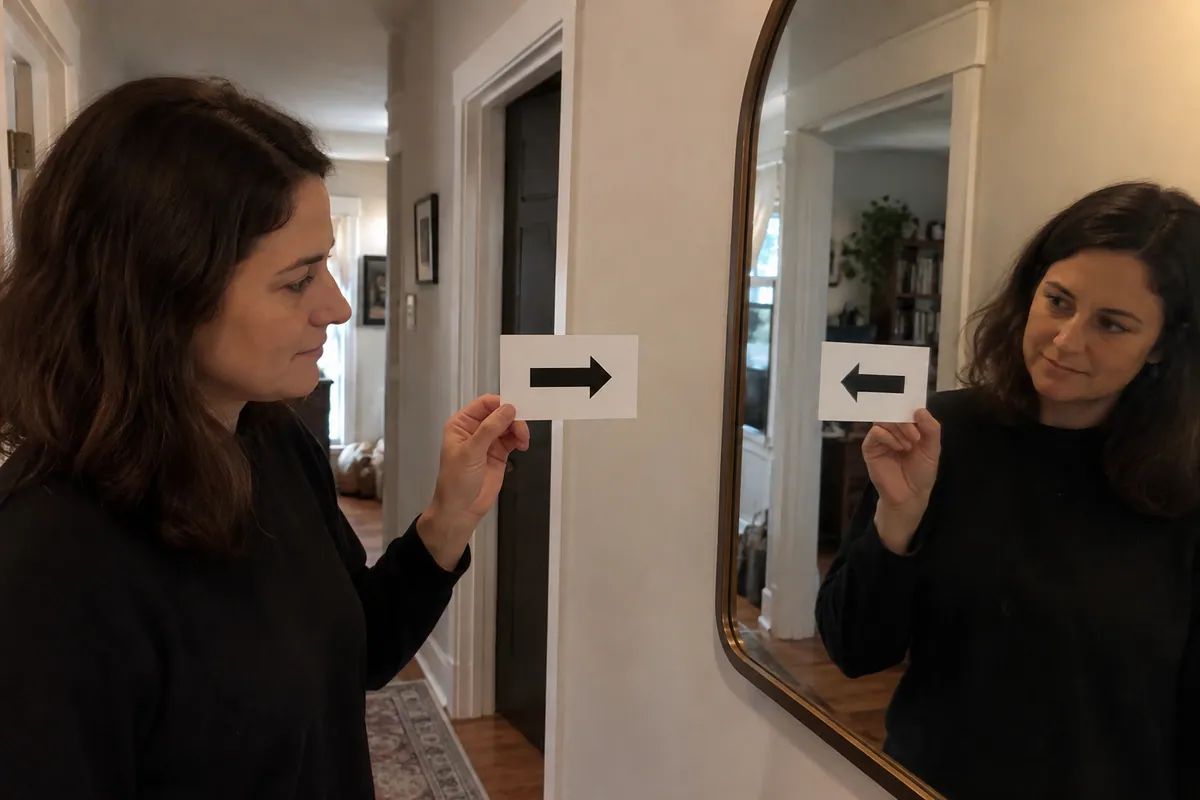
A video view can be technically clear and still be wrong for the user task. A ceiling-mounted camera may need a different displayed orientation from a shelf-mounted camera. A mirrored image can change left and right in a way that affects how a parent follows movement, reads a room, or uses an installation instruction. These are not merely visual preferences: they are product-definition questions that should be tied to the selected installation and control path.
Do not assume an ANHONG model has rotation, mirroring, app controls, or a particular camera installation option. This article gives buyers a way to define what must be observed if those controls are offered or requested. It also prevents an installation image from becoming an untested customer promise. Retain the scenario record with released customer material.
What Should Be Distinguished First?
Installation orientation is the physical camera position. Display orientation is how the captured image is presented to the user. Mirroring is a left-right transformation of that presentation. A team should not use “flip” for all three without saying what the customer will see and which control changes it.
Start with a named installation scenario: shelf, wall, ceiling, or another approved position. Identify the camera direction, intended scene, parent-unit or app endpoint, and task the user must complete. Then state whether the request is to rotate, mirror, preserve a view, or guide installation. A generic request for “image flip” leaves too much to interpretation.
How Can an Orientation and Task Map Help?
| Scenario | Physical camera position | Required user view | Control or instruction to review | Evidence to retain |
|---|---|---|---|---|
| Shelf placement | Defined upright position | Upright scene for the named task | Installation cue and available display setting | Sample/build, configuration, observation |
| Wall placement | Defined mounting direction | View that preserves relevant room orientation | Control label and recovery path | Before/after screen evidence and wording |
| Ceiling placement | Defined inverted mounting direction | Approved corrected or explicitly limited view | Support material and selected control behavior | Installation and user-task record |
| Mirroring request | Defined camera and endpoint | Left/right meaning understood for the task | Mirror label, state feedback, and restore path | Reviewer observation and decision |
The Orientation and Task Map is a proposed review tool. It does not prove that an image is clinically accurate, that a room is always visible, or that all configurations offer rotation or mirroring.
Why Is a Corrected Image Not Enough?
A reviewer may see an upright image after a setting change but still be unable to tell what the setting means, whether it persists, or how to restore the prior view. The user task must include locating the control, interpreting the state, and confirming the result. A mirrored view may look acceptable until a user tries to use a directional instruction or compare it with a physical room reference.
Use a selected sample or build and an unfamiliar reviewer. Ask them to follow the installation material, identify the displayed orientation, change a control only if the configuration offers one, describe what changed, and return to the intended state. Record confusion as an interaction or documentation finding, not as proof of a technical defect.

ANHONG can connect product definition, firmware/App-UI scope, and sample review to an approved mounting scenario, intended user task, target market, and wording requirement. This does not promise that a given parent unit, app, or camera provides a specific orientation feature.
Which Boundaries Should Remain Explicit?
Keep orientation review separate from camera coverage, night-image quality, and general control usability. An upright image does not prove that a camera sees every relevant area. A mirror setting does not solve an unclear installation instruction. A physical mount or enclosure change may require its own engineering and configuration review.
Also keep a parent-unit control separate from an app control. If both exist, the team should define whether their meanings match, which one is the source of truth, and what happens after a restart or handoff. Do not assume that a setting demonstrated in one endpoint applies to another.
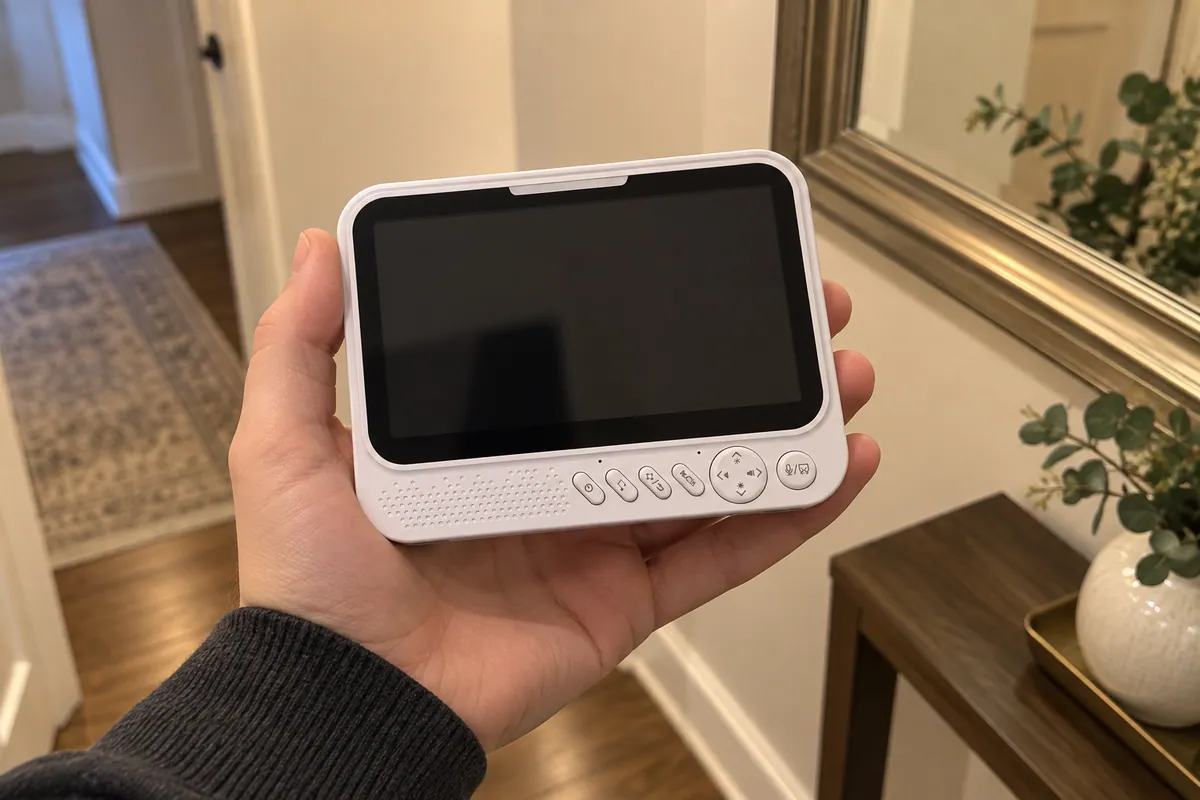
The baby monitor customization page can frame an OEM or private-label discussion, and product-development support can connect a request to the relevant design scope.
How Should a Change Be Controlled?
When an installation instruction, control label, firmware behavior, app build, camera mount, or customer-facing screenshot changes, reopen the affected map row. Preserve the old sample/build and wording, then record what has changed and which task needs a focused repeat. This prevents a screenshot or manual from silently carrying an earlier orientation promise into a different configuration.
Release records should include the product configuration, installation scenario, required view, endpoint, control wording, observation, open limitation, decision owner, and associated materials. That record gives support a defensible answer without claiming more than the reviewed task.
What Do Buyers Commonly Ask About Orientation?
Does mirroring simply rotate the image?
No. Mirroring changes left and right, while rotation changes the display orientation. Define the customer-visible result rather than using one loose label.
Should all mounting positions be promised?
Only if the exact configuration, installation material, and required view have been reviewed. Do not infer support from a similar camera.
Can a screen image replace a task observation?
No. It shows one displayed moment, not whether the reviewer can find, understand, and restore the required state.
What should a brand send to ANHONG?
Send the selected mounting scenario, endpoint, requested wording, configuration, and review task. Contact ANHONG to define the scope.