How Should Buyers Record Baby Monitor Video Detail, Frame Rate and Latency?
Compare baby monitor detail, motion and end-to-end delay using a repeatable sample review. Keep viewing paths, test methods and evidence clearly recorded.
Baby monitor video acceptance becomes much clearer when three questions are kept separate: what detail can you see, how is movement reproduced, and how late does the picture arrive? A resolution label does not answer all three.
Imagine a sample showing a sharp, motionless object. It may be a useful detail check, but it tells the buyer little about the moment that object moves. I would build the review around a small set of repeatable tasks, then record which viewing path produced each result.
The procedure below is a proposed procurement method. It contains no measured frame-rate or latency claims for an ANHONG model.
What Should a Baby Monitor Video Acceptance Brief Specify?
Name the camera, parent unit or phone, firmware, app version and video settings. Record whether the path is a direct local link, a home-network connection or remote viewing. Keep exported recordings, parent-screen observations and app observations in separate columns.
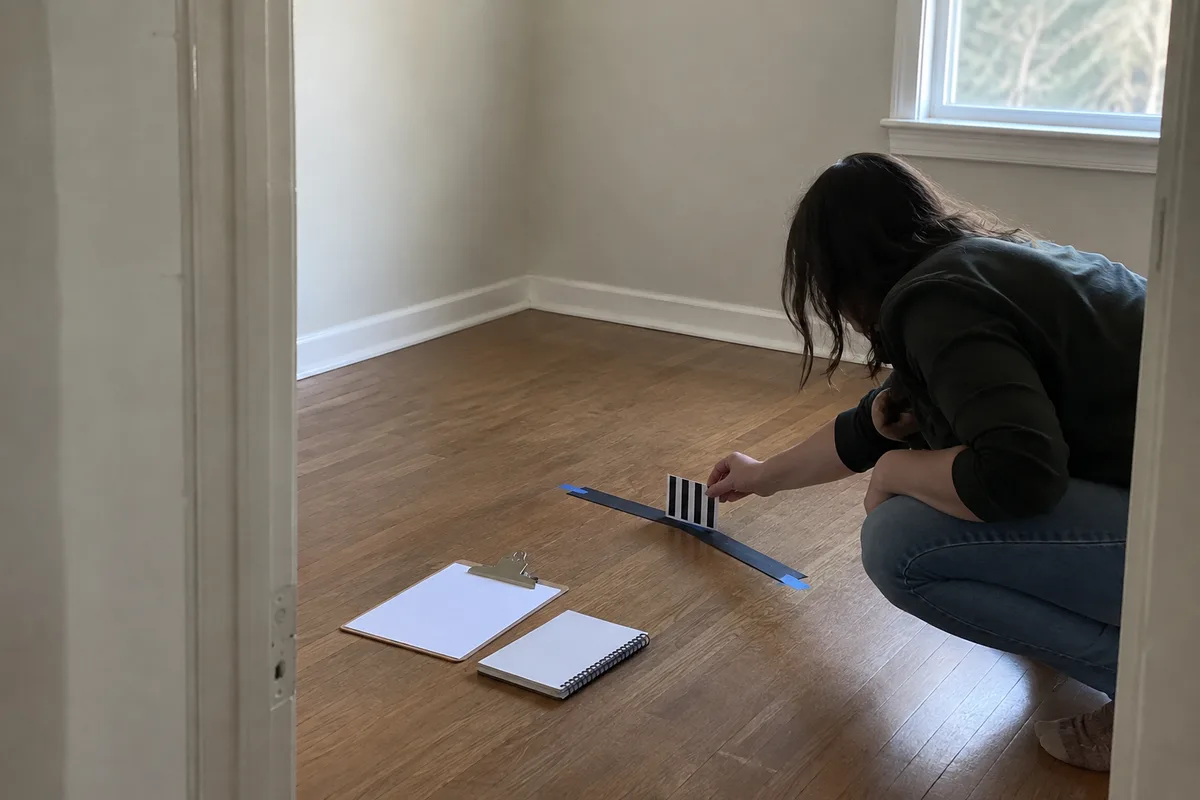
For detail, choose a target with features the reviewer can identify consistently. Place it at the intended working distance and keep camera framing and illumination fixed. A printed pattern and textured fabric can serve different purposes: the pattern gives recognizable edges; the fabric helps reviewers describe texture. Neither should be presented as a calibrated resolution target unless it actually is one.
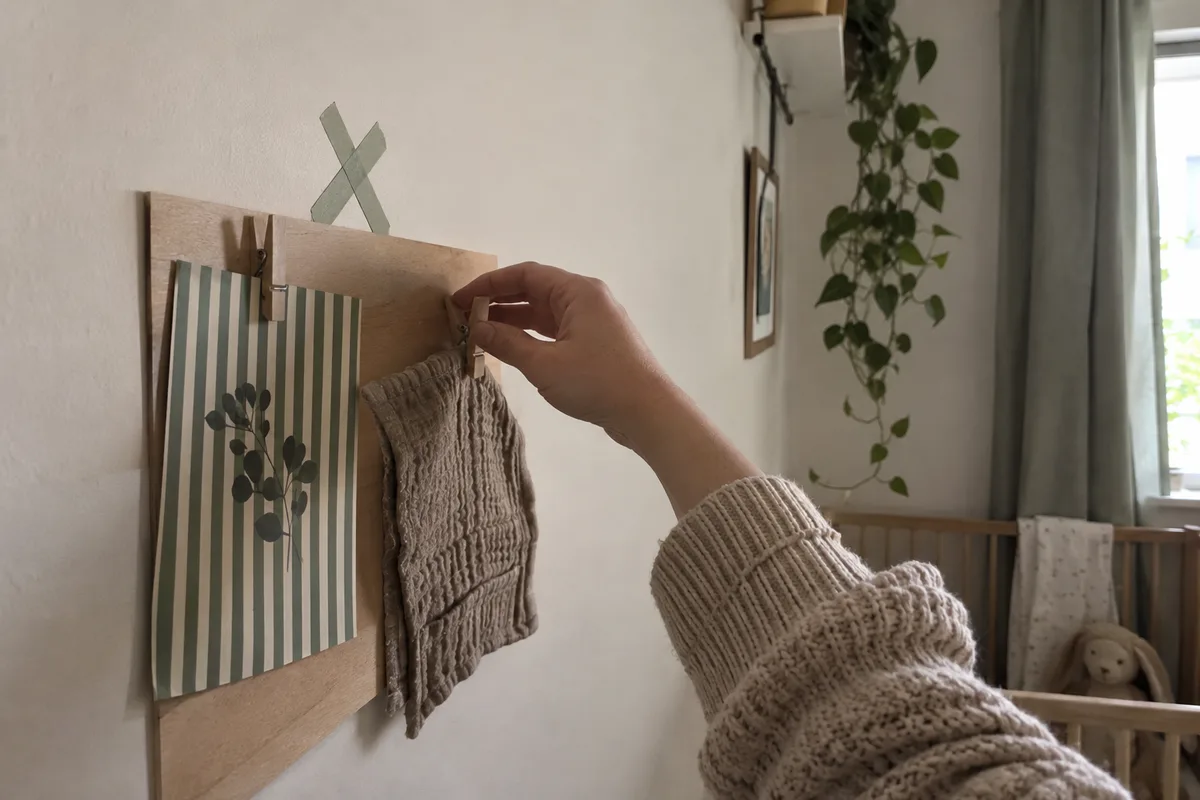
Record the smallest agreed features that remain distinguishable, using the same viewing size and method. Do not compare a zoomed phone screenshot with an unzoomed parent screen and attribute the difference entirely to the camera.
How Should You Check Motion Without Confusing It with Detail?
Move the same object along the same marked path at a repeatable speed. Observe recognizable edges, pauses and discontinuities. Retain the original clip where supported and note how it was captured.
Exposure is part of this discussion. Longer exposure can blur movement, while gain can amplify noise; these are documented imaging tradeoffs in Basler’s image-quality guide. Ask which automatic settings were active rather than assuming the same nominal resolution creates the same moving image.
When reporting frame rate, state the measurement point. A file’s frame-rate metadata, the rate of distinct captured images and the rate of visible display updates are not interchangeable measurements. If your tools cannot distinguish repeated frames, report that limitation rather than labeling the metadata as verified live performance.
Repeat the motion task under the lighting conditions that matter to the brief. Keep a supplier-tuned demonstration separate from the out-of-box configuration. If the tuned settings will ship, add them to the approved configuration record.
How Can Buyers Make a Practical End-to-End Latency Check?
One practical comparison uses a visible event in the camera scene and a separate recording that captures both that event and its appearance on the receiving display. For example, position an unbranded light source in the camera view and frame the real light together with the parent screen in the recording camera’s view.
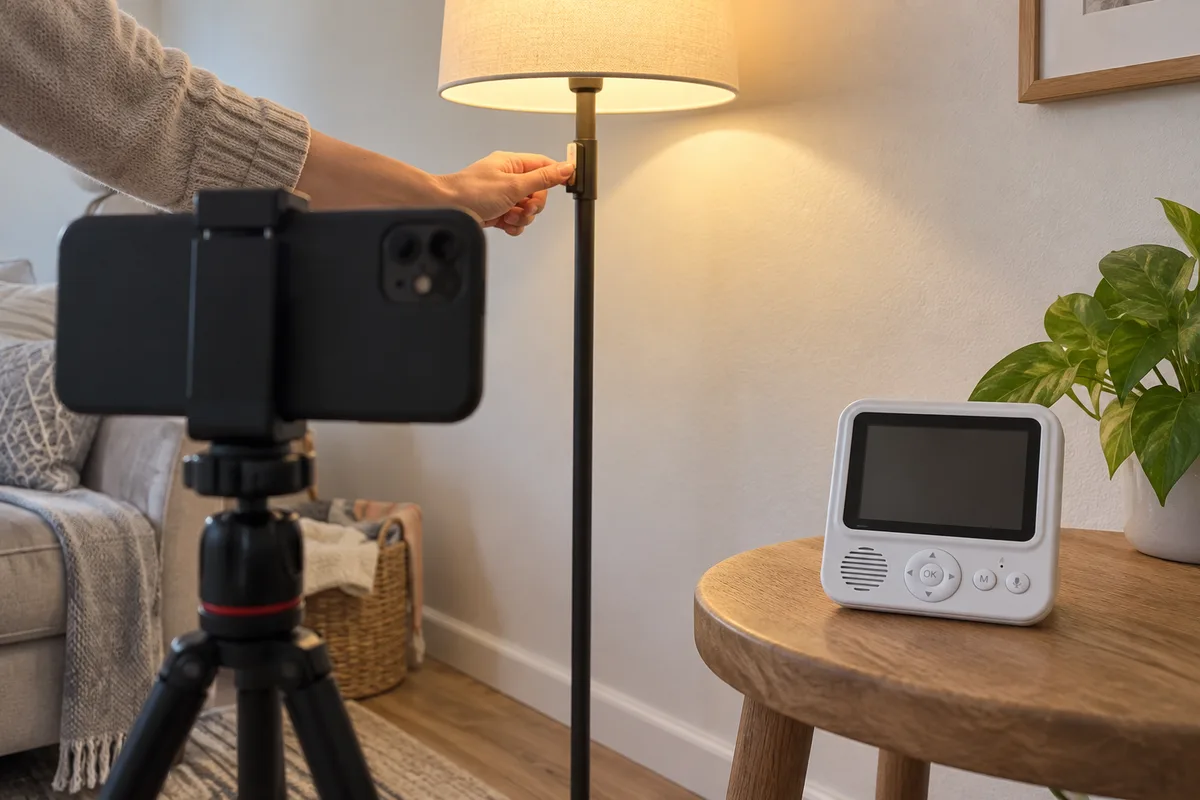
Count the recording frames between the real transition and the displayed transition, then divide by the verified recording frame rate. Report the method, repetitions and uncertainty. At 60 recorded frames per second, one frame spans about 16.7 milliseconds; that is the nominal sampling interval, not a promise of measurement accuracy.
The recording device’s exposure, rolling shutter, variable frame rate and the display’s refresh behavior can affect the observation. Use a more suitable instrumented method if the acceptance tolerance is finer than the practical setup can resolve. Keep the original recording rather than a re-encoded social-media copy.
Repeat the event at different times. Record the distribution or at least the individual observations, not only the quickest result. Keep direct-link and remote-app measurements separate because they represent different end-to-end paths.
What Should the Video Acceptance Record Contain?
| Topic | Conditions to record | Result to retain |
|---|---|---|
| Identity | Sample IDs, hardware, firmware, app | Approved configuration reference |
| Viewing path | Direct, local network or remote; device | Separate result for each path |
| Detail | Target, distance, framing, light, viewing size | Recognizable features and original evidence |
| Motion | Object, route, speed, illumination | Blur, discontinuity and repeat observations |
| Frame rate | Measurement point and method | Measured rate, repeated frames or method limits |
| Latency | Event, recording rate, frame-count method | Individual delays and uncertainty |
| Stress condition | Added network activity or changed light | Labeled supplementary run |
| Acceptance | Thresholds and exceptions agreed in advance | Pass, fail or not evaluated |
This worksheet is a proposed review tool, not a camera certification standard. Your thresholds should reflect the intended viewing task and what the measurement method can support.
What Else Do Buyers Ask About Video Testing?
Is a higher pixel count enough to accept the sample?
Treat it as a configuration specification. Keep detail, motion and latency checks in the finished-product review instead of inferring all three from that number.
Can a phone screen recording measure camera-to-display latency?
Not by itself: it lacks the original event as a synchronized reference. Use a method that observes the event and received output together, or validated instrumentation.
Should local and remote viewing share one result?
No. Label the path, network and viewing device. A useful local result does not document a remote path that was never measured.
What if automatic exposure cannot be disabled?
Document that fact and use a repeatable scene. Ask the supplier what operating conditions can be identified; do not invent unavailable settings.
What Should You Send ANHONG Before Comparing Video Samples?
Share the viewing path, required details, expected lighting and movement, and your proposed latency measurement method. Include the acceptance tolerances and evidence format.
ANHONG can discuss sample requirements and product definition. A clear baby monitor video acceptance brief lets both sides distinguish a component specification from the finished viewing experience they actually need to verify.
Use the video record alongside the project’s quality-control and testing scope.