Why Does Your Baby Monitor’s “300-Meter” Range Disappear Behind One Wall?
A claimed 300-meter range means little when a single wall cuts the signal dramatically. Here's how adaptive frequency hopping extends real-world range — and why signal dropouts are a leading return driver in the category.
Every datasheet I’ve seen quotes an open-air range: 200 meters, 300 meters, 500 meters. And every one of those numbers is technically true — and practically meaningless.
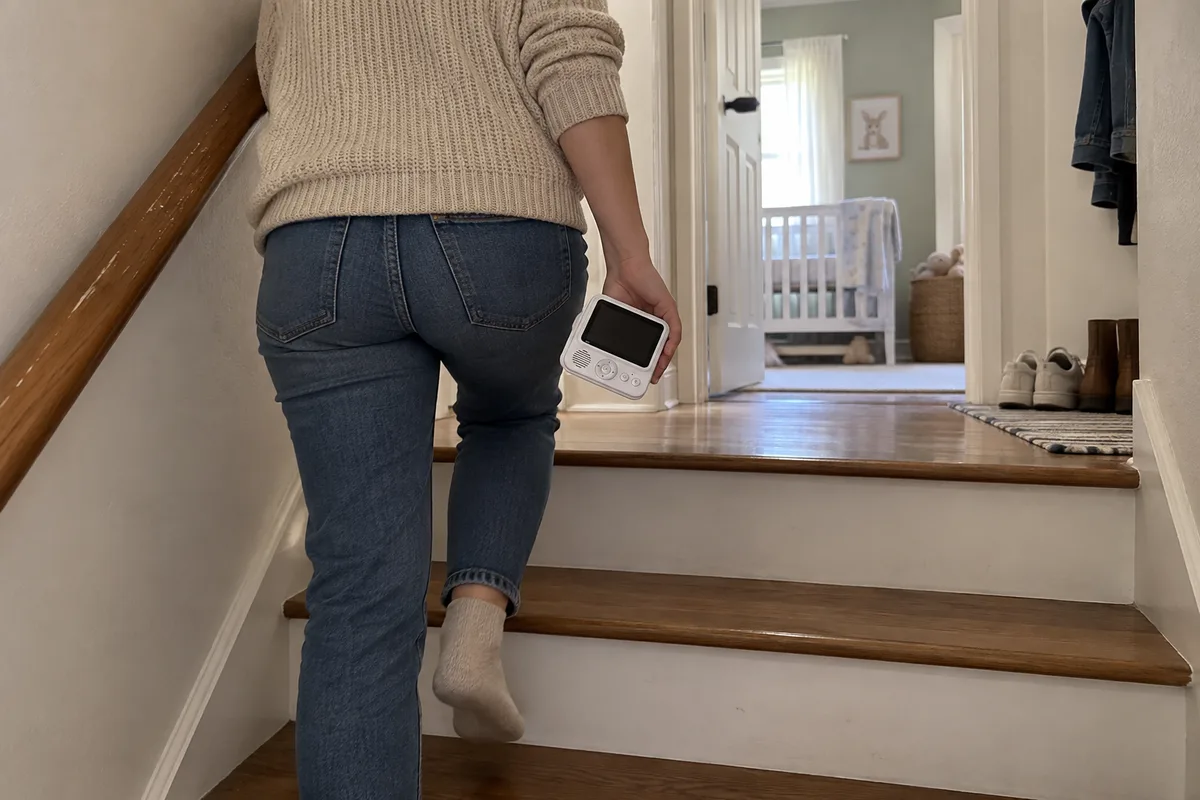
I learned this the hard way years ago, standing in a customer’s house with a monitor that claimed 300 meters. It dropped the feed one room away. One interior wall. The customer looked at me like I’d sold him a toy.
That afternoon changed how I talk about "range" in this category. If you’re sourcing monitors, this is the spec that gets sellers into the most trouble — because it’s measured one way and experienced another.
What Actually Happens to Your Signal Inside a Real House?
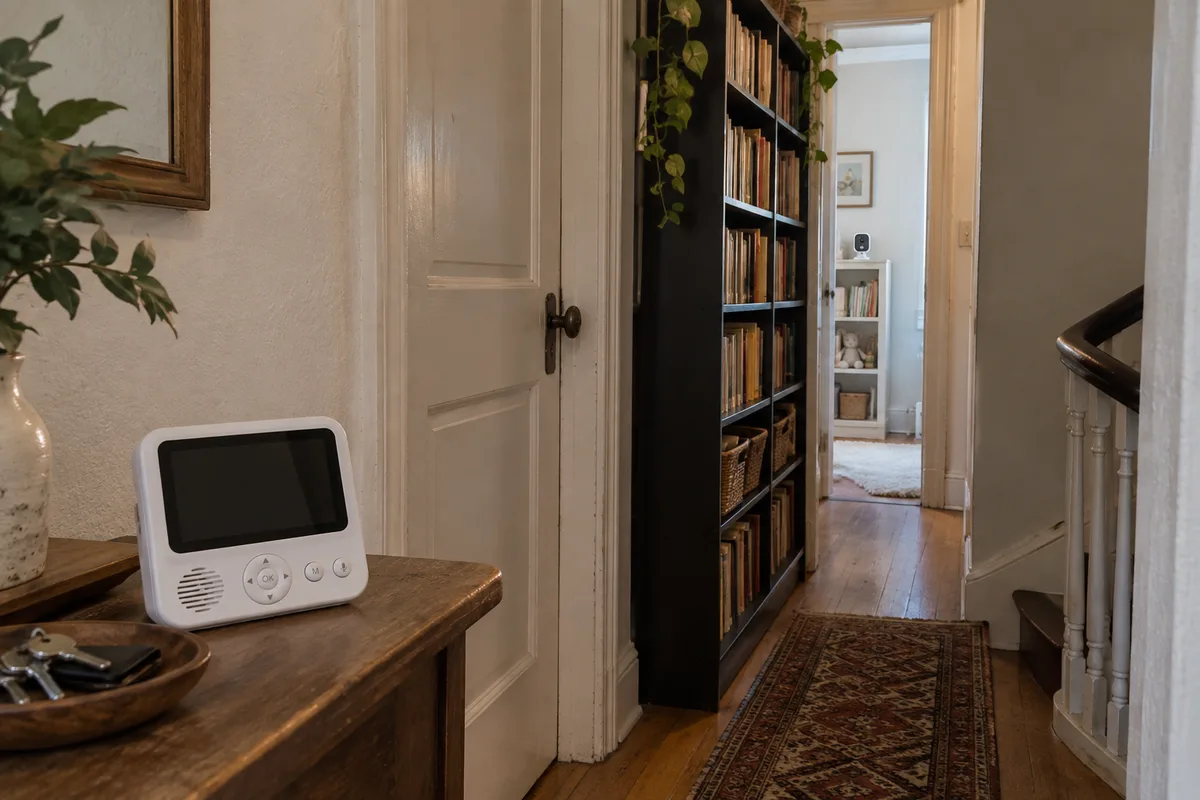
Open-air range tests assume line-of-sight, no walls, antenna fully extended. A real home is nothing like that. Every barrier in the signal path eats a slice of the link, measured in decibels:
| Barrier Type | Typical Signal Loss |
|---|---|
| Interior drywall | 3–5 dB per wall |
| Concrete/brick wall | 8–15 dB per wall |
| Floor/ceiling penetration | 10–20 dB |
| Metal appliances/radiators | 15–25 dB (reflection + absorption) |
This is path loss in action, and it stacks. A monitor rated for 300 meters open-air might realistically reach 30–50 meters in a multi-room home. And at the edge, the signal doesn’t die cleanly — it stutters. Frozen frames, audio dropout, the video silently dropping while the parent unit still says "connected."
That silent degradation is what drives returns. Sellers across the category tell us signal range issues sit near the top of their return reasons — because a parent who can’t see their baby doesn’t file a bug report, they click "Return."
Why Is 2.4GHz So Crowded — and What Does That Mean for You?
Baby monitor video lives in the 2.4GHz ISM band — the same unlicensed spectrum shared by:
- Wi-Fi (802.11b/g/n)
- Bluetooth and BLE
- Zigbee smart-home devices
- Microwave ovens (leakage)
- Cordless phones and wireless speakers
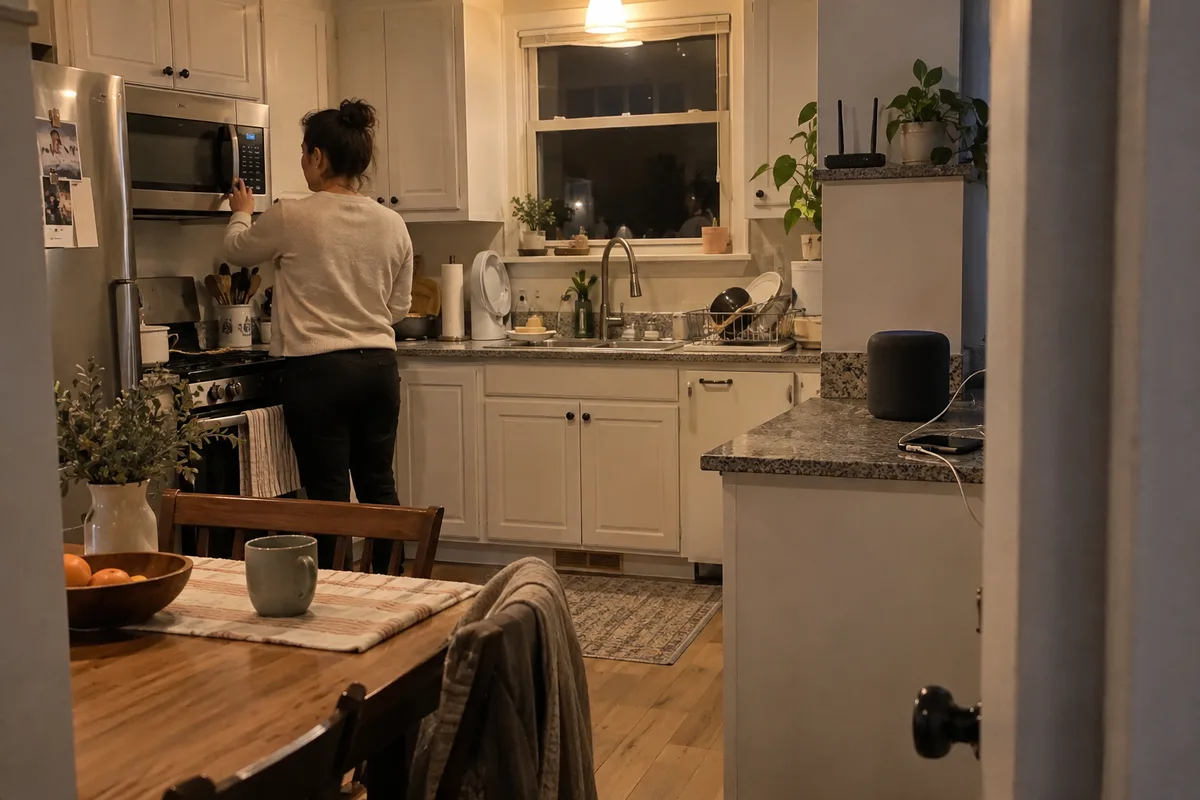
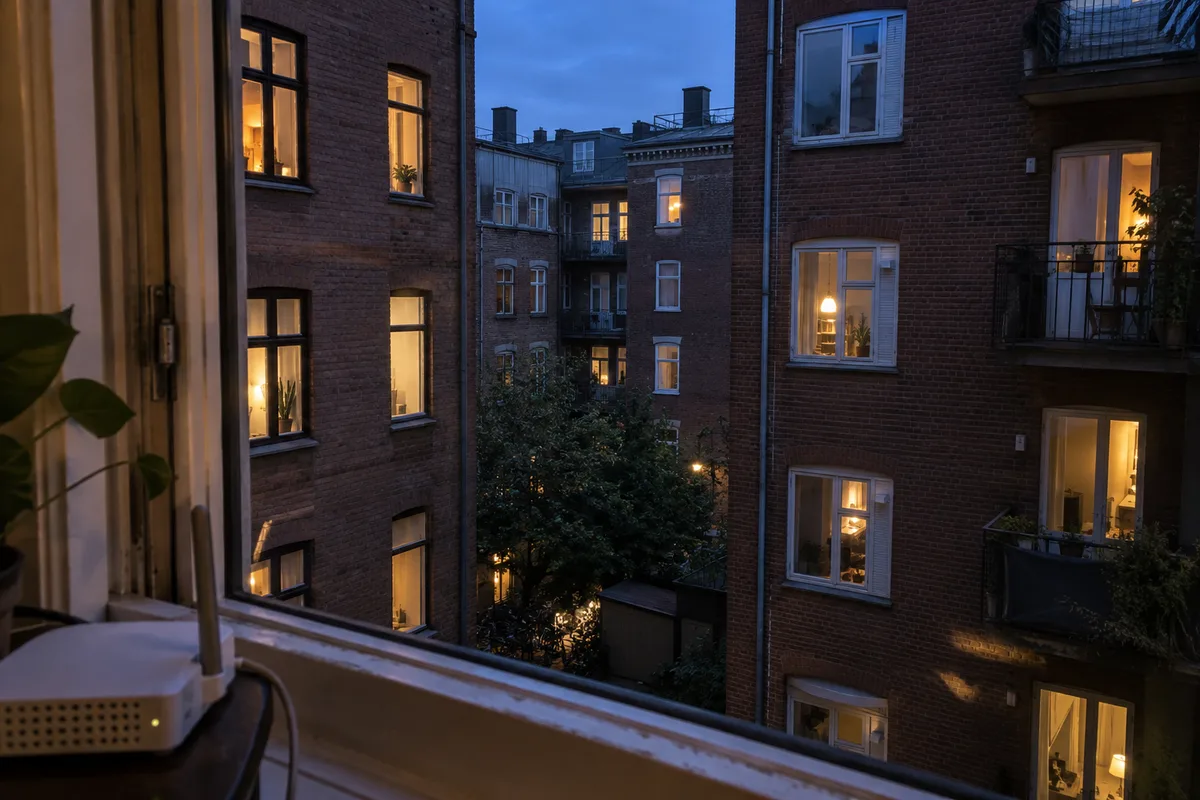
In a typical urban home, a spectrum analyzer will show 15–30 active devices fighting for airtime in this band. A monitor locked to one fixed channel is trying to hold a conversation in a room where everyone else is shouting.
How Does Frequency Hopping Turn a Weak Link Into a Reliable One?
This is the technology that separates monitors that work in real homes from ones that only work in open fields: frequency-hopping spread spectrum (FHSS).
The legacy way: pick a lane and stay in it
The transmitter and receiver lock onto a single channel. When interference lands on that channel, the entire video stream suffers for as long as the interference lasts.
The modern way: keep moving
The transmitter hops across dozens or hundreds of channels following a pseudorandom sequence both ends know. When a channel is occupied, the system marks it "dirty" and skips it on the next hop — in microseconds. The user never sees the dropped frame.
Two metrics decide how well FHSS actually performs:
- Channel count. More channels, more places to hide. Entry-level chips may offer 16–30; advanced implementations support 60–120+.
- Hop rate. How fast the system can switch and re-synchronize. Faster hops mean less time parked on any one compromised frequency.
Why this isn’t a switch you can just flip
Not every wireless SOC was built for real hopping. Chips borrowed from dash cams and doorbells — where camera and receiver sit close together — often lack serious FHSS firmware. Getting it right takes months of RF work: anechoic chamber testing, interference profiling across real home layouts, and constant tuning of channel-selection logic.
This is the detail that separates a factory with genuine RF engineering from one that just assembles reference designs.
What Should You Actually Verify When Buying "Range"?
1. What does their range number actually mean?
Ask what conditions the quoted range was measured under. Open-air, line-of-sight, no walls? Fine — but then ask for a real-world indoor figure. If they can’t provide one, they’ve probably never measured it.
2. Is the hopping adaptive or fixed?
Fixed-channel monitors are a return waiting to happen in dense homes. Ask: Does this unit adaptively hop and blacklist dirty channels, or is it locked to one? A vendor who can answer this knows their RF stack.
3. How many channels, and at what hop rate?
More channels and faster hopping both help. Request the actual figures. Vague answers usually mean entry-level firmware.
4. Can you test it across your own walls?
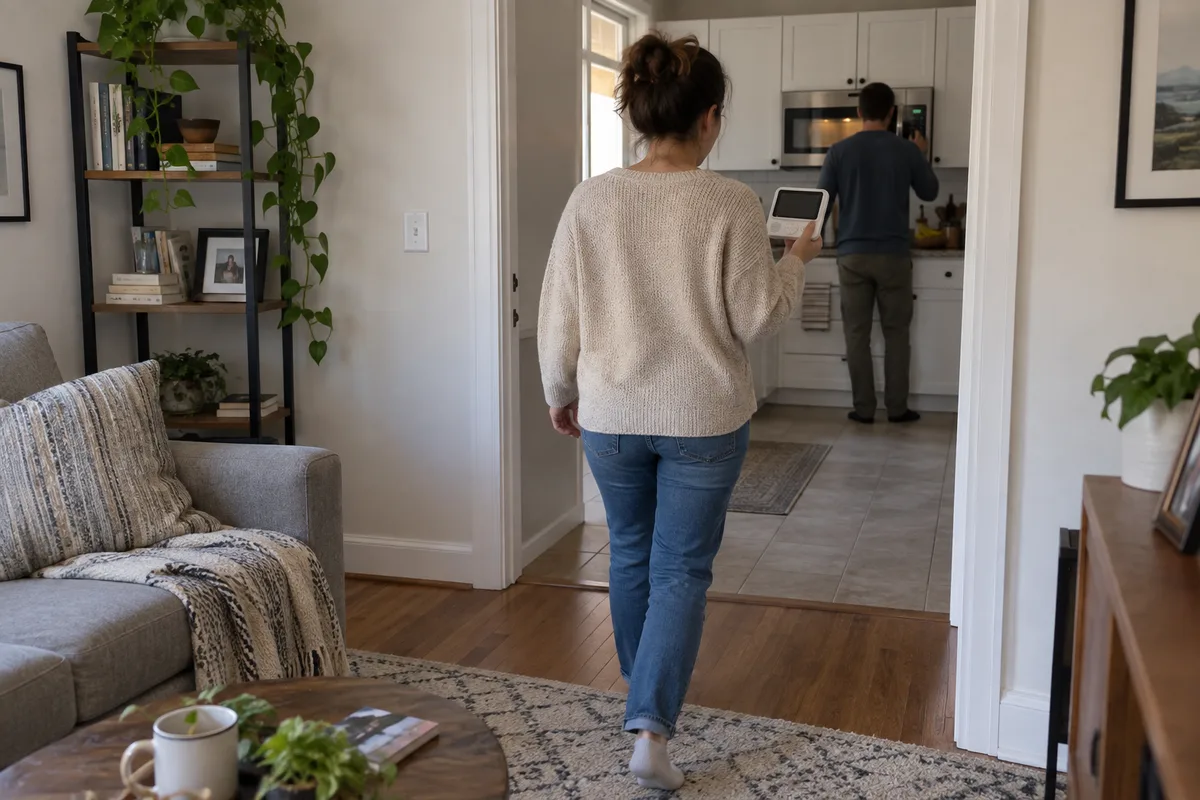
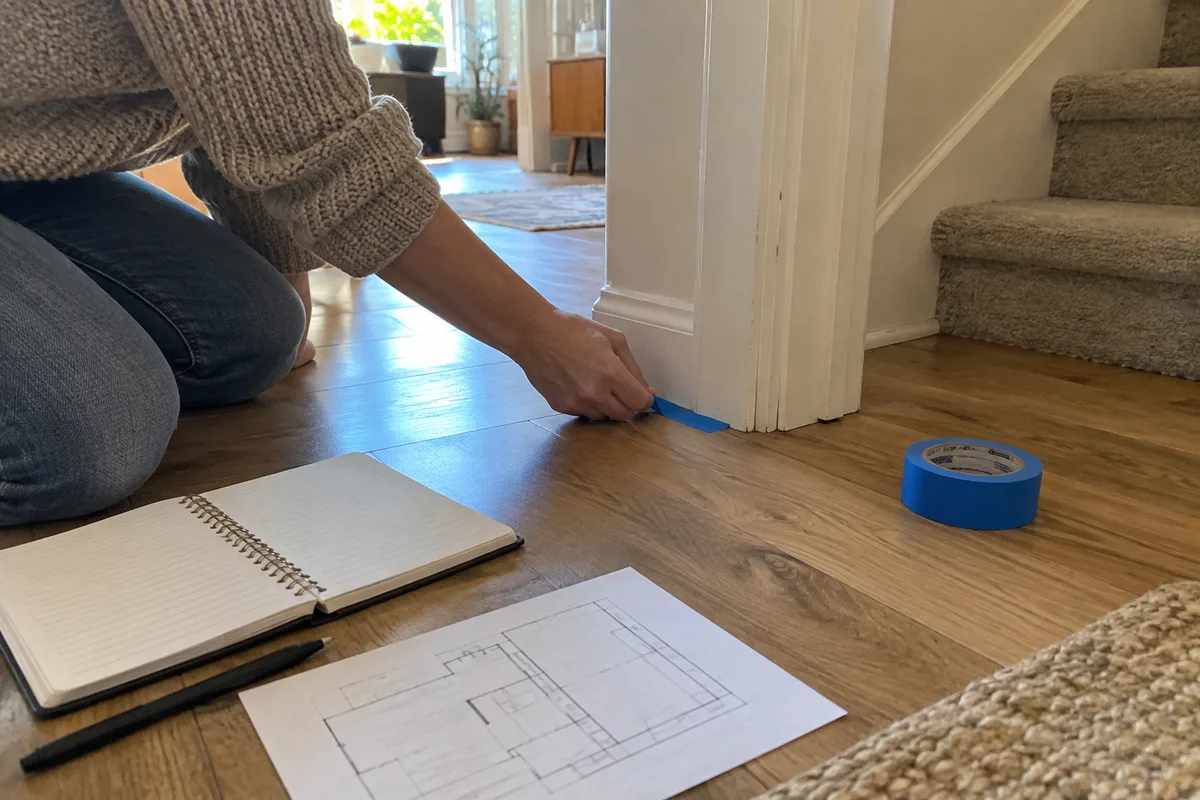
This one is non-negotiable. Take a sample into a real home — or better, several homes — and walk away from the camera while watching the feed. Walls, floors, and a running microwave are the only range test that matters.
What Should Sellers Expect From a Proper RF Validation?
If you’re working with a factory that takes this seriously, here’s what real RF validation looks like — and what you’re entitled to ask for:
- Anechoic chamber data characterizing antenna performance across the band
- Real-home interference profiles — not just lab measurements
- Channel-selection heuristics tuned over multiple layouts, not a stock reference design
- A margin story — how much signal headroom exists at your target range, not just a pass/fail number
FAQ
Q: Is a higher quoted range always better?
Not necessarily. A 500-meter open-air claim that collapses behind one wall is worse than an honest 100-meter indoor claim. Always ask for the indoor, real-world figure.
Q: Can Wi-Fi in the house really kill my monitor’s signal?
Yes — and it gets worse at night when neighbors stream video. A fixed-channel monitor will degrade whenever a strong Wi-Fi signal overlaps its channel. Adaptive hopping is the difference.
Q: What’s a realistic indoor range to expect?
Depends on the home, but as a rule of thumb, expect the open-air number to collapse by a factor of 5–10 through walls and floors. A 300-meter claim delivering 30–50 meters of usable indoor coverage is normal.
Q: How do I test range myself before committing to an order?
Get a sample, charge it, and walk the house while watching the feed. Pass through walls, go upstairs, turn on the microwave. If it holds up, that’s your answer — not the datasheet.
At Anhong, we stopped quoting open-air range as a selling point years ago. What parents actually experience is indoor range — through walls, around corners, with the Wi-Fi on. That’s the only number that matters when it’s 2 AM and the feed has to just work.
If you’re sourcing monitors, bring me your target homes, your wall types, and your price point. We’ll figure out what it actually takes to keep the feed alive where your customers live.