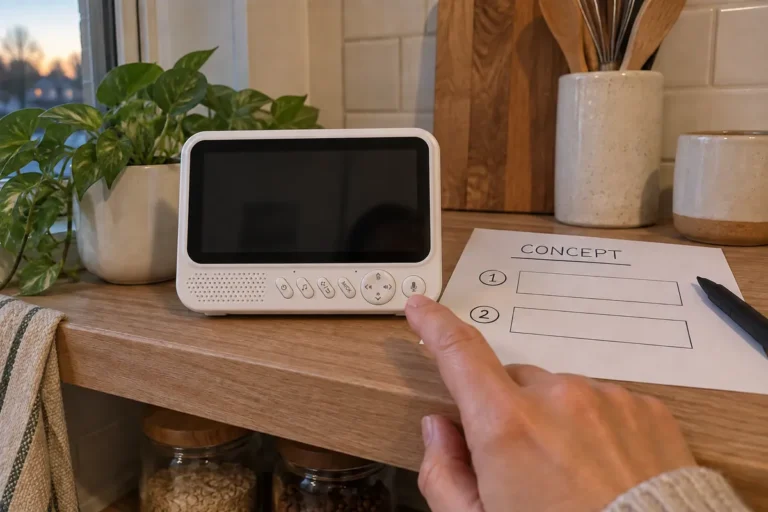
What Should Buyers Verify About Baby Monitor Recording, Playback and AI Albums?
Check baby monitor recording playback, storage compatibility, event clips and AI album data handling before selecting features for your next product brief.
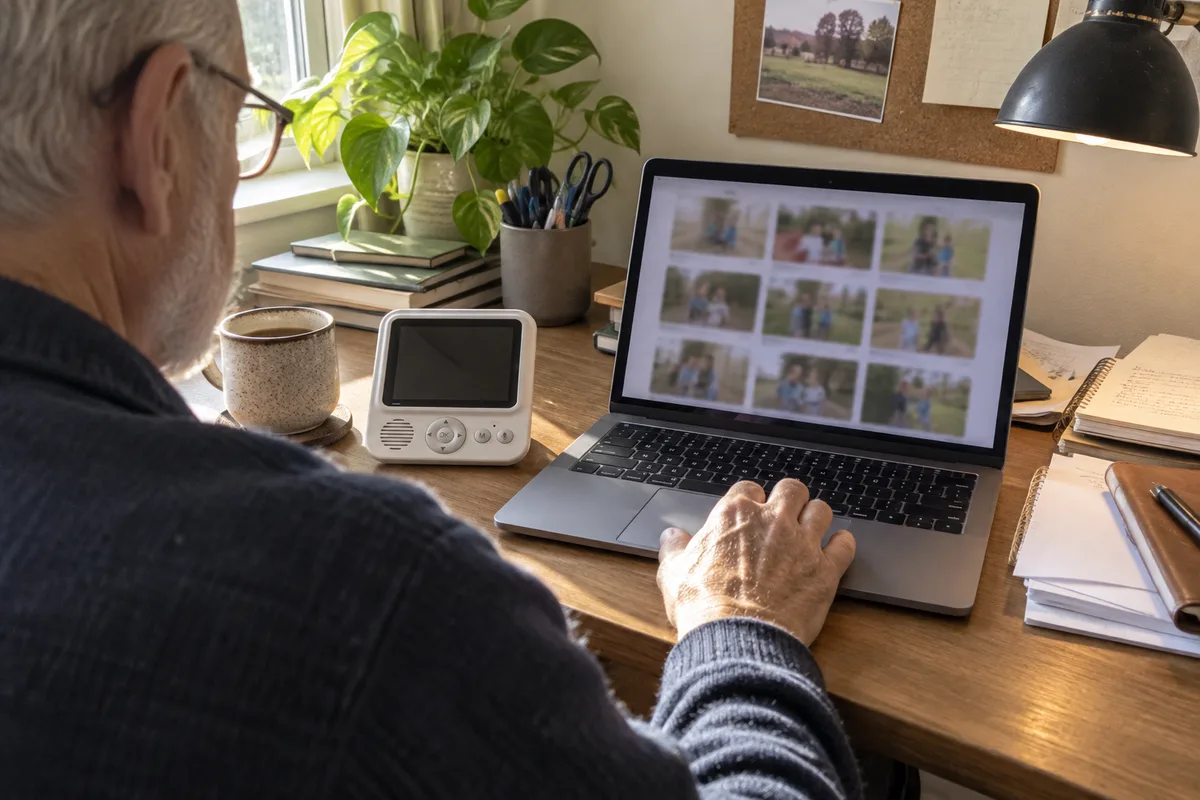
A live picture answers “what is happening now?” Recording answers a different question: “what can I review later?” It is easy for a feature list to blur those two promises.
When I review a recording brief, I would first ask where a clip is saved and how the user retrieves it. A camera with storage support, an app with playback and a parent unit with a media browser are different parts of the product. None should be assumed from the presence of a card slot or the word “AI.”

What Does a Recording Feature Actually Include?
The requested workflow may include manual capture, continuous recording, event-triggered clips, playback, export and deletion. Confirm which device performs each task and which functions need a network connection or account.
| Function | Question to settle in the brief |
|---|---|
| Continuous recording | Where is it stored, and what happens when storage is unavailable or full? |
| Event clips | Which event starts the clip, and what portion of the event is retained? |
| Playback | Can it be reviewed on the parent unit, app or a computer? |
| Export | Can a user save a usable copy outside the product? |
| Deletion | How are selected clips, all recordings and account-linked copies removed? |
These are configuration questions, not a checklist that every model already satisfies. Decide which functions matter to your channel before comparing prices.
Which Storage Details Need Checking?
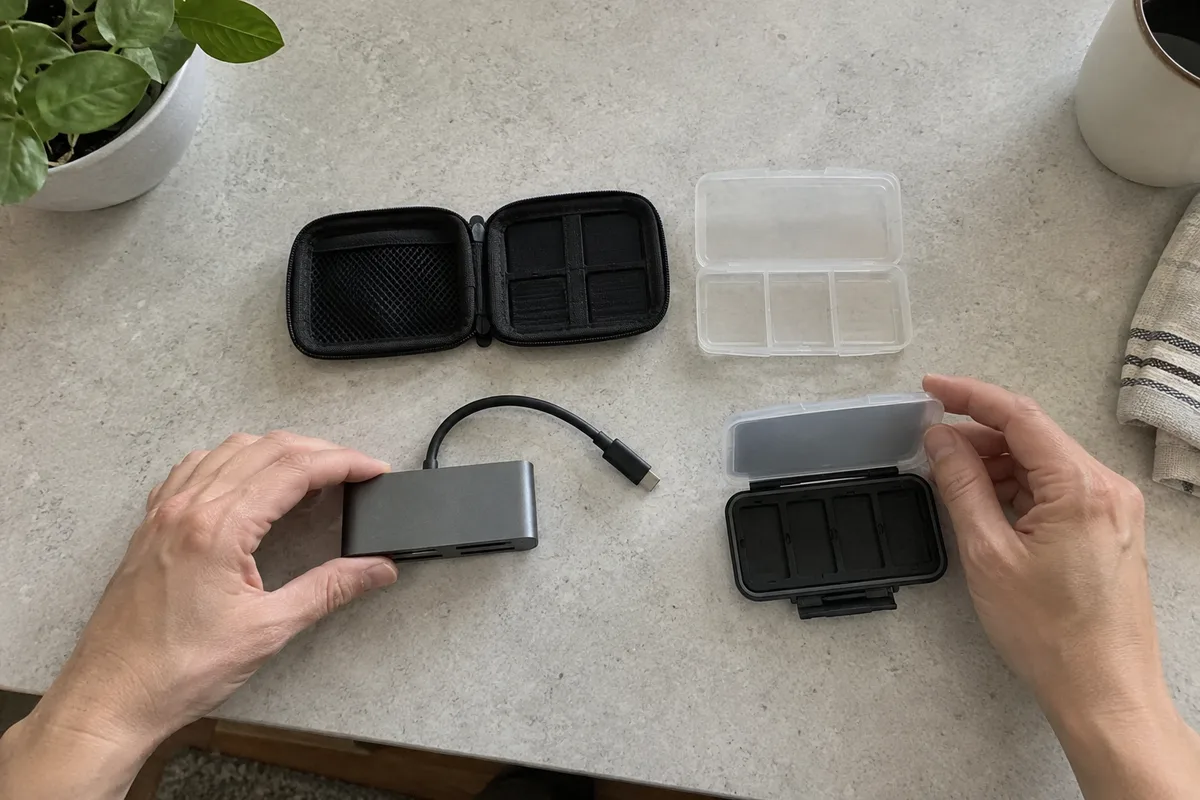
Ask for the supported card types, capacities, file system and tested card recommendations for the exact firmware. Do not confuse a file-size limit with the product’s supported card capacity. Microsoft’s file-system comparison lists FAT32’s individual-file limit around 4 GiB; that is not a universal 32 GB card-capacity limit.
Check file segmentation and overwriting behavior in the sample. Loop recording may replace eligible older files, but protected clips, card errors or an unsupported card can change what happens. It is not a promise that every moment will remain available.
Useful retention time depends on the actual recording settings and storage available. Request a measured result for the configuration you plan to sell rather than copying a storage-duration claim from a different resolution or recording mode.
What Does an AI Album Claim Really Mean?
An album feature may organize or select images and clips. Ask what triggers capture, where analysis takes place and how the user corrects or deletes unwanted selections. A staged demonstration is not evidence that it captures every desired moment.
Local analysis, remote access and cloud storage are separate architectural choices. “On-device AI” does not by itself prove that no data leaves the home. Request the actual data flow, account permissions, retention behavior and applicable user disclosures for the offered service.
Keep album convenience separate from notifications and monitoring behavior. Do not present a highlight reel as a medical assessment, a complete incident record or a substitute for supervision. If those features operate simultaneously, evaluate their behavior together on the supplied configuration.

How Should You Test Recording and Playback?
Can the user find the intended clip?
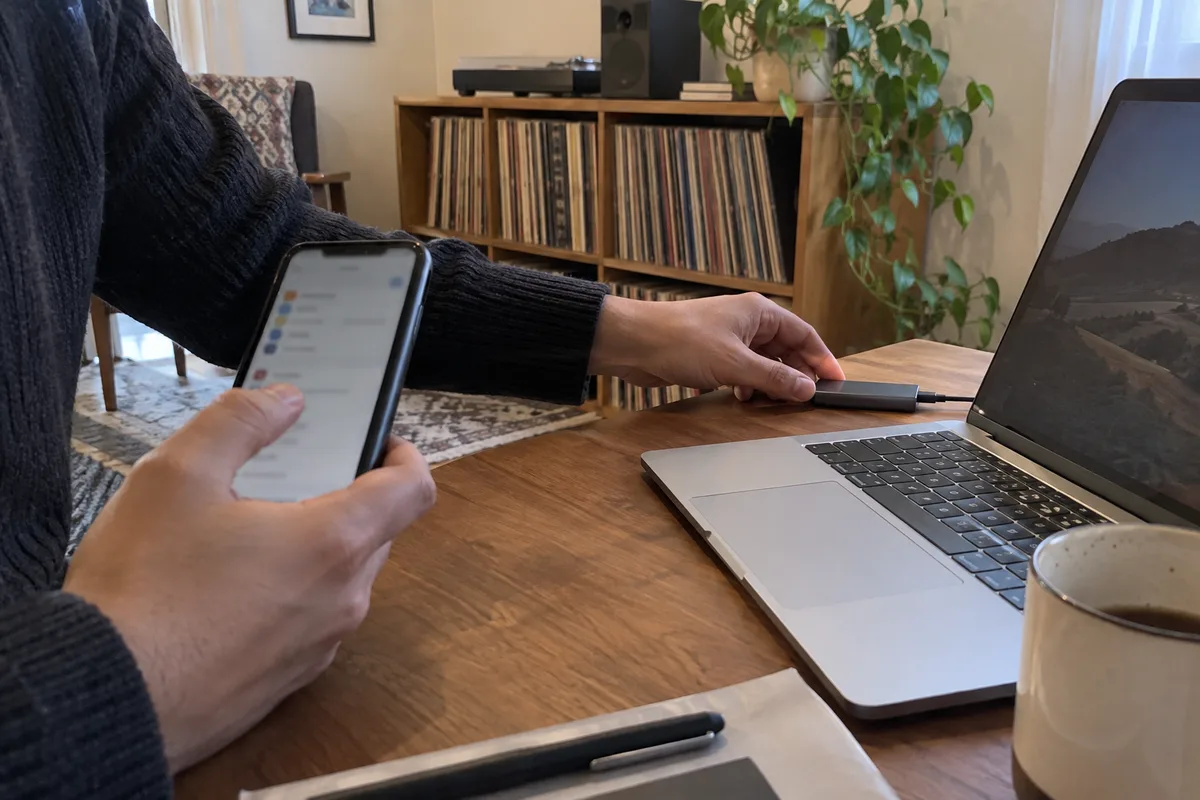
Record a repeatable event, then locate it through every promised playback route. Check date and time, audio/video synchronization, navigation and export. Verify the behavior after restart and the handling of timezone changes if relevant to the product.
What happens when storage fails?
Use a controlled sample procedure to check missing or unsupported storage and the supplier’s documented full-storage behavior. Record the message the user sees. Do not remove a card during writing unless the supplier’s test procedure explicitly covers that condition.
Does recording affect live operation?
Check the intended combination of live viewing, recording, playback and notifications. Note sluggish controls, interrupted recordings or changed video behavior. Test the promised workflow, not each checkbox in isolation.
What survives account changes or reset?
Use test content and an authorized test account to review sharing, deletion and reset behavior. Confirm the difference between deleting a local file and deleting a remote copy; use the supplier’s documented procedure.
What Else Do Buyers Ask About Saved Media?
Does a card slot guarantee playback on the parent unit?
No. Confirm the implemented playback routes on that model.
Does loop recording preserve all footage?
No. Eligible older footage may be overwritten. Retention and protected-file behavior need to be explained and tested.
Is an AI album necessarily processed locally?
No. Ask where processing runs and what data is transmitted or stored.
Is local storage automatically private?
Storage location alone is not a complete privacy assessment. Access controls, sharing, remote services and deletion behavior also need review.
Should every product include recording?
Not necessarily. Match the feature set to the intended customer and support model. A clearly explained live-view product may be a better fit than an incomplete recording workflow.
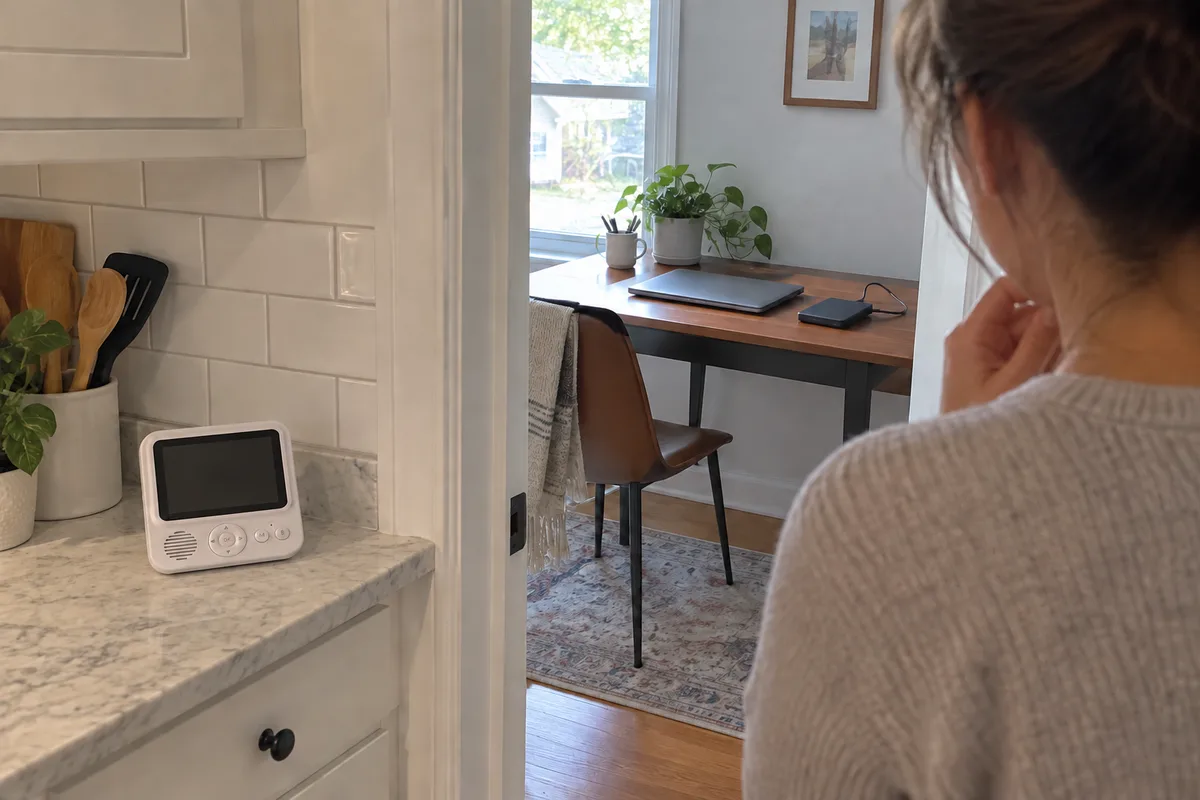
For your baby monitor recording playback brief, specify what users can capture, retrieve, export and delete. ANHONG can discuss hardware, firmware and App/UI requirements for a sourcing or OEM/ODM project. Confirm the supported configuration before turning the feature list into public claims.