What Should Buyers Check Before Choosing Baby Monitor Motion Detection?
Separate baby monitor motion detection, event recording and notifications, then evaluate settings, unwanted triggers and delivery on the actual sample.
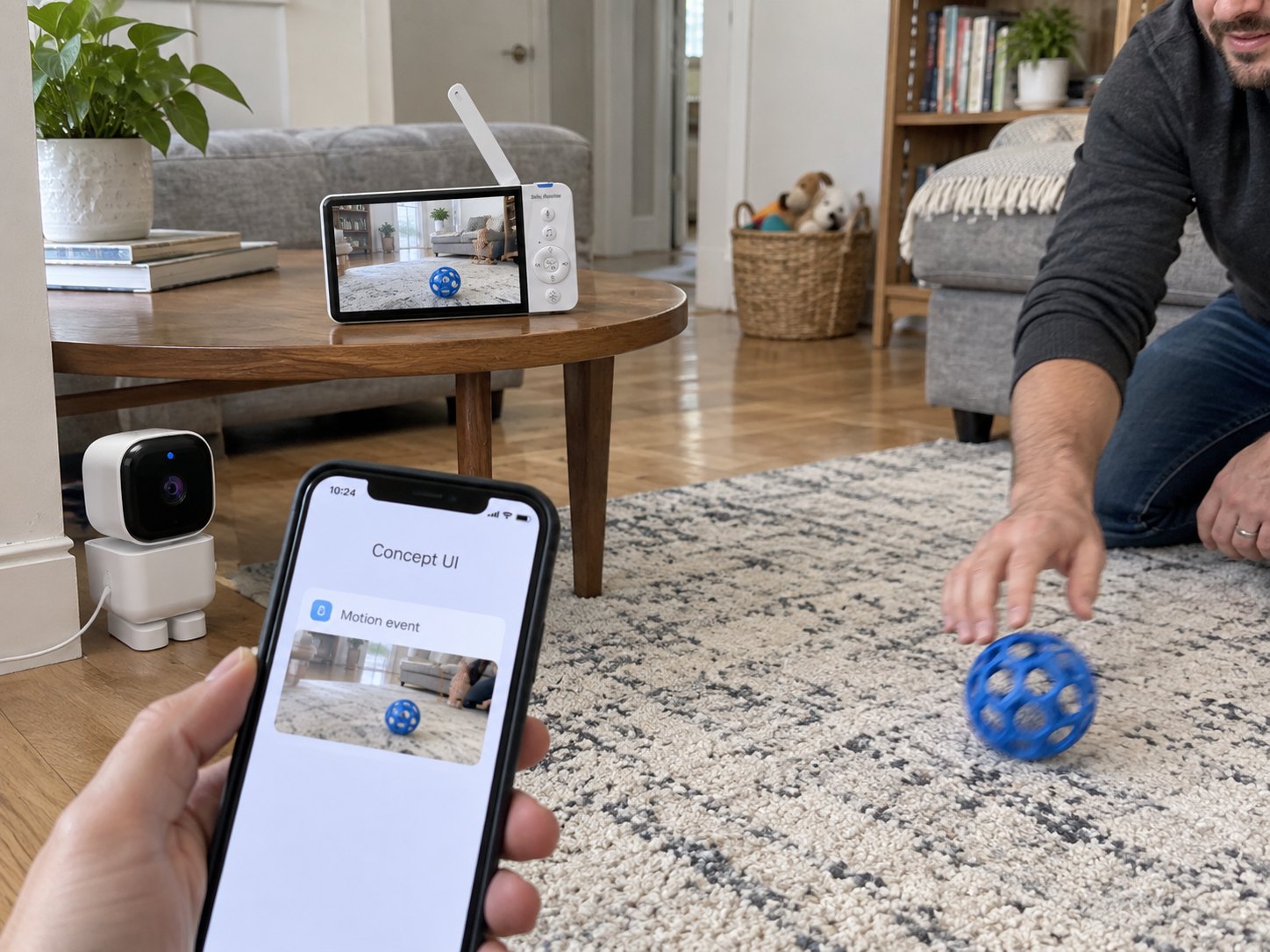
“Motion detection” can mean several things on a specification sheet. One product saves an event clip; another shows an indicator; another sends a notification to a parent unit or app. The same short label can describe quite different user experiences.
I would ask the supplier to finish the sentence: when the configured event occurs, what exactly happens, on which device, and under which settings? That answer is more useful than treating the feature name as a safety promise.
What Is the Difference Between Detection, Recording and Notification?
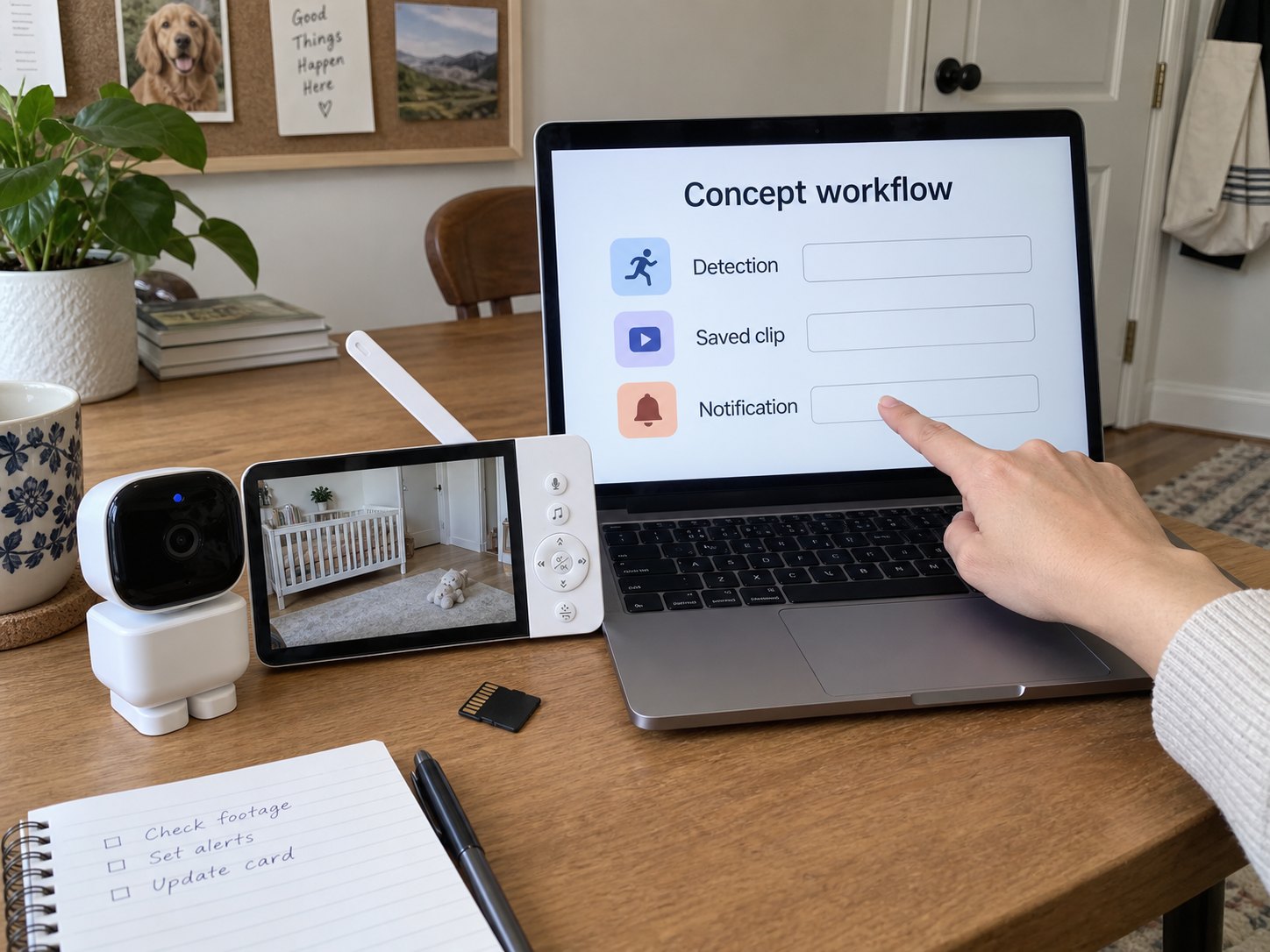
Detection identifies an event according to the implemented rules. Recording saves media. Notification communicates something to the user. A product may offer one, several or none of these behaviors for a particular event.
| Function | Sample question |
|---|---|
| Detection | What kinds of change qualify under the selected setting? |
| Recording | Is a clip saved, and where can it be retrieved? |
| Parent-unit indication | Does it display an indicator, play a sound or change the view? |
| App notification | What connection, permissions and account settings does it require? |
Do not infer notification delivery from a saved clip. Likewise, the absence of a clip does not prove that an event indicator failed if recording was never enabled. Write each expected behavior separately.
Which Settings and Limitations Should Be Explained?
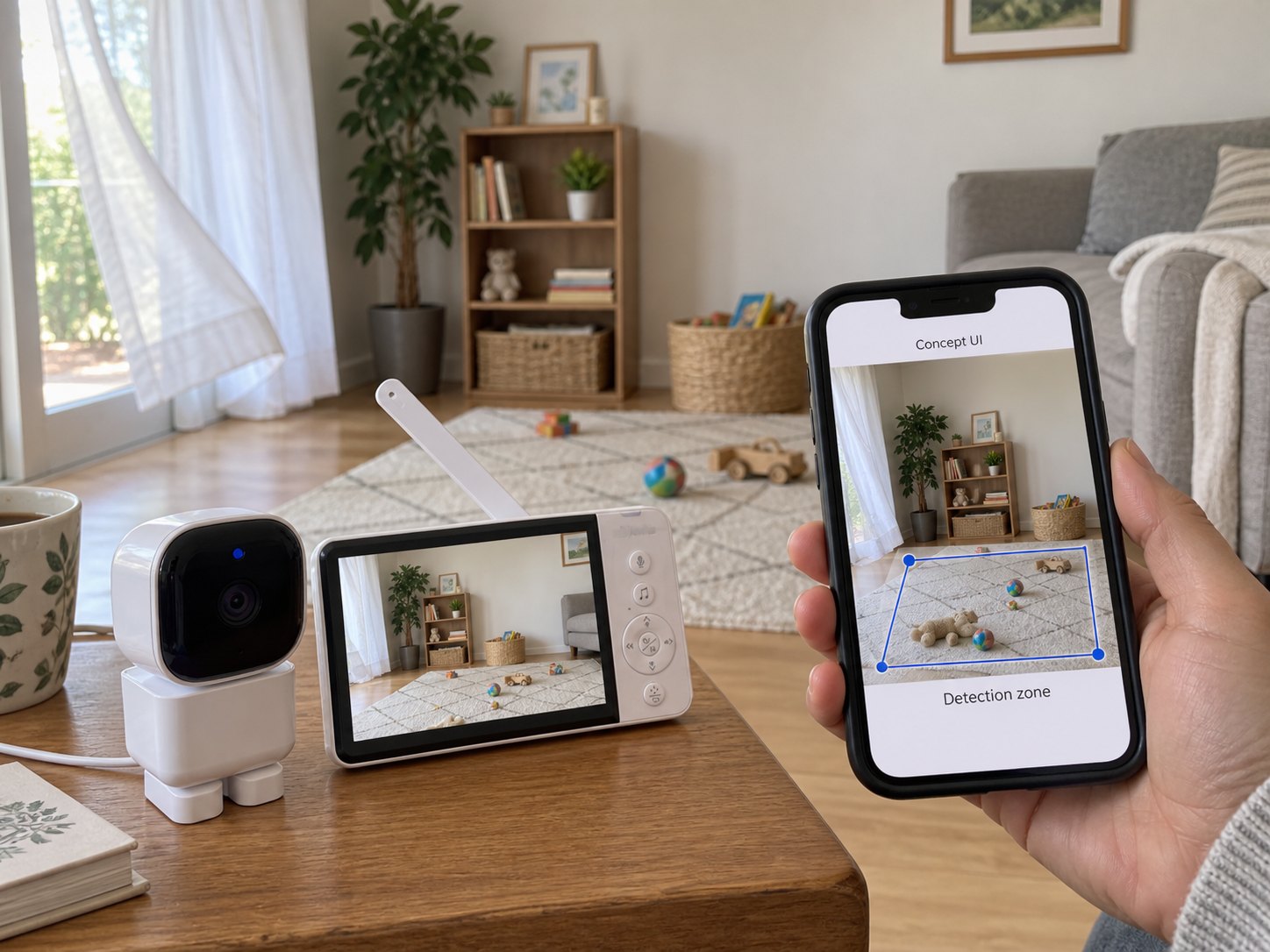
Ask whether the model offers sensitivity settings, detection areas, event duration rules or classification features. Request a demonstration of the actual options instead of assuming a particular algorithm from a marketing term.
Include ordinary scene changes in the evaluation: shifting light, a moving curtain, objects outside the intended area and a changed camera position. Record both wanted and unwanted activations. A configurable area may help tailor behavior, but it does not by itself guarantee accurate classification.
If the product claims a specific activity class, ask for evidence for that exact claim and its limits. Generic video motion detection must not be described as breathing measurement, clinical monitoring or guaranteed detection of a child leaving an area.
How Do You Evaluate Notification Delivery?
Document the complete sequence from the test event to the user-visible or audible response. Check the parent unit and app independently if both are offered. Include the selected view, display-off mode, mute and notification permissions in the record.
If delivery timing is part of the product claim, define how it is measured and test the supported operating conditions. Do not publish a universal delay requirement or infer a guaranteed response from one successful demonstration.
Also check interruption and recovery. What does the product show when a camera is offline, the local link is lost or a required service is unavailable? A connection warning and a motion event are different messages and should be distinguishable.
What Belongs in a Repeatable Sample Procedure?
How should the event be created?
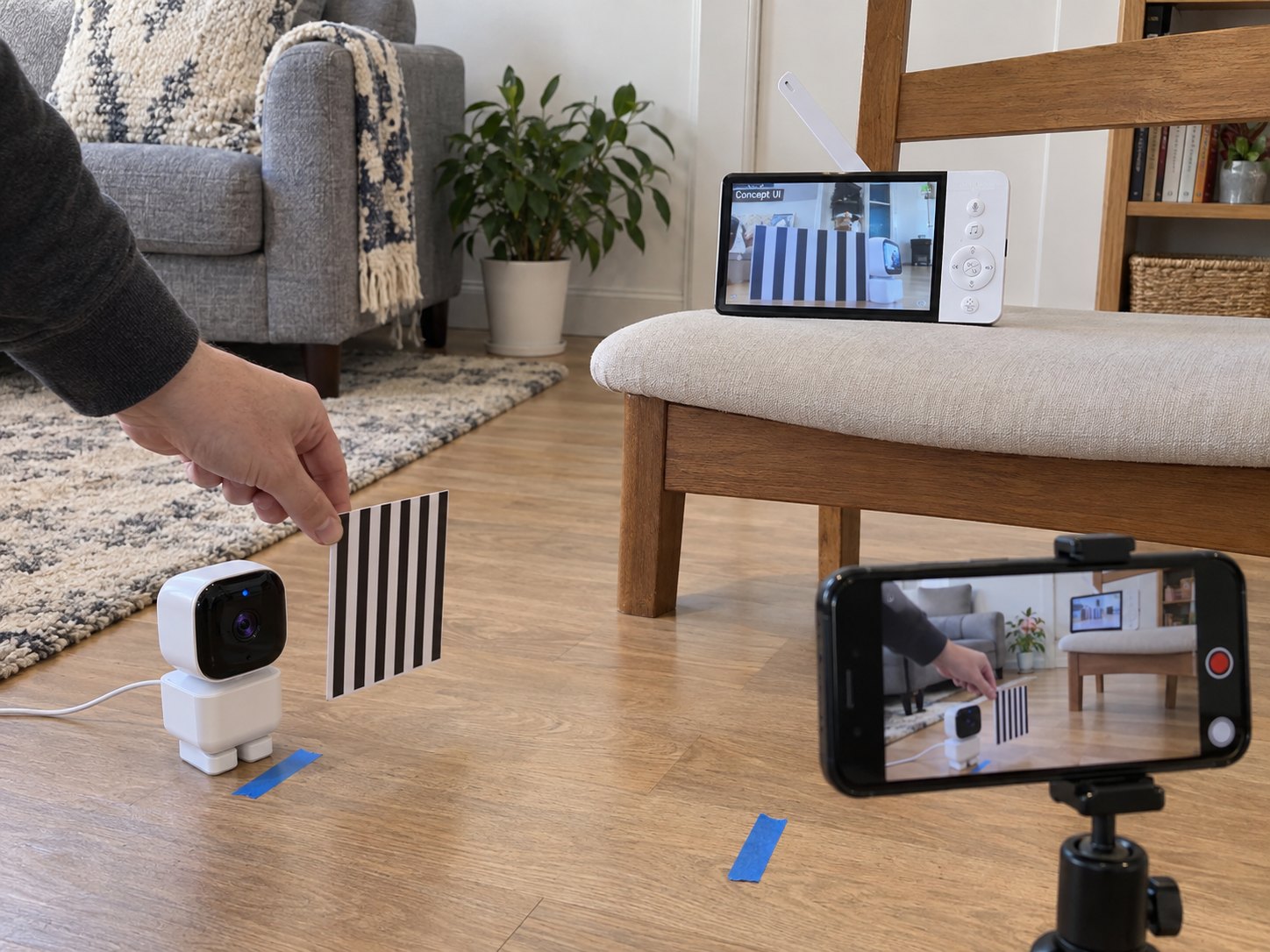
Use a controlled demonstration object or another supplier-approved non-hazardous setup. Do not stage an unsafe situation with a child to test a consumer monitoring feature. Record the scene, camera position and settings so the procedure can be repeated.
Should daytime and night operation be checked?
Yes, where both are part of the intended use. Repeat the same procedure under each condition and document changes in behavior. Do not infer night performance from a daylight demonstration.
What should happen outside the intended area?
Check the actual configuration against movements or scene changes you intend to ignore. Record exceptions rather than calling a setting universally accurate after one pass.
What should the acceptance record contain?
Model and firmware, scene and event description, enabled functions, receiving devices, expected response and observed result. Define acceptable behavior with the supplier before the purchase specification is finalized.
What Else Do Buyers Ask About Motion Features?
Does motion recording mean that an alert is sent?
No. Confirm the notification behavior separately.
Can motion detection replace sound activation?
They respond to different inputs and should be evaluated separately. The appropriate combination depends on the product brief.
Does a detection-zone option guarantee fewer unwanted alerts?
No. Check the actual implementation in representative scenes and with the intended settings.
Can a consumer motion feature be marketed as breathing monitoring?
Not on the basis of generic motion detection. Do not extend the supported claim into medical measurement or guaranteed protection.
What is the most useful supplier demonstration?
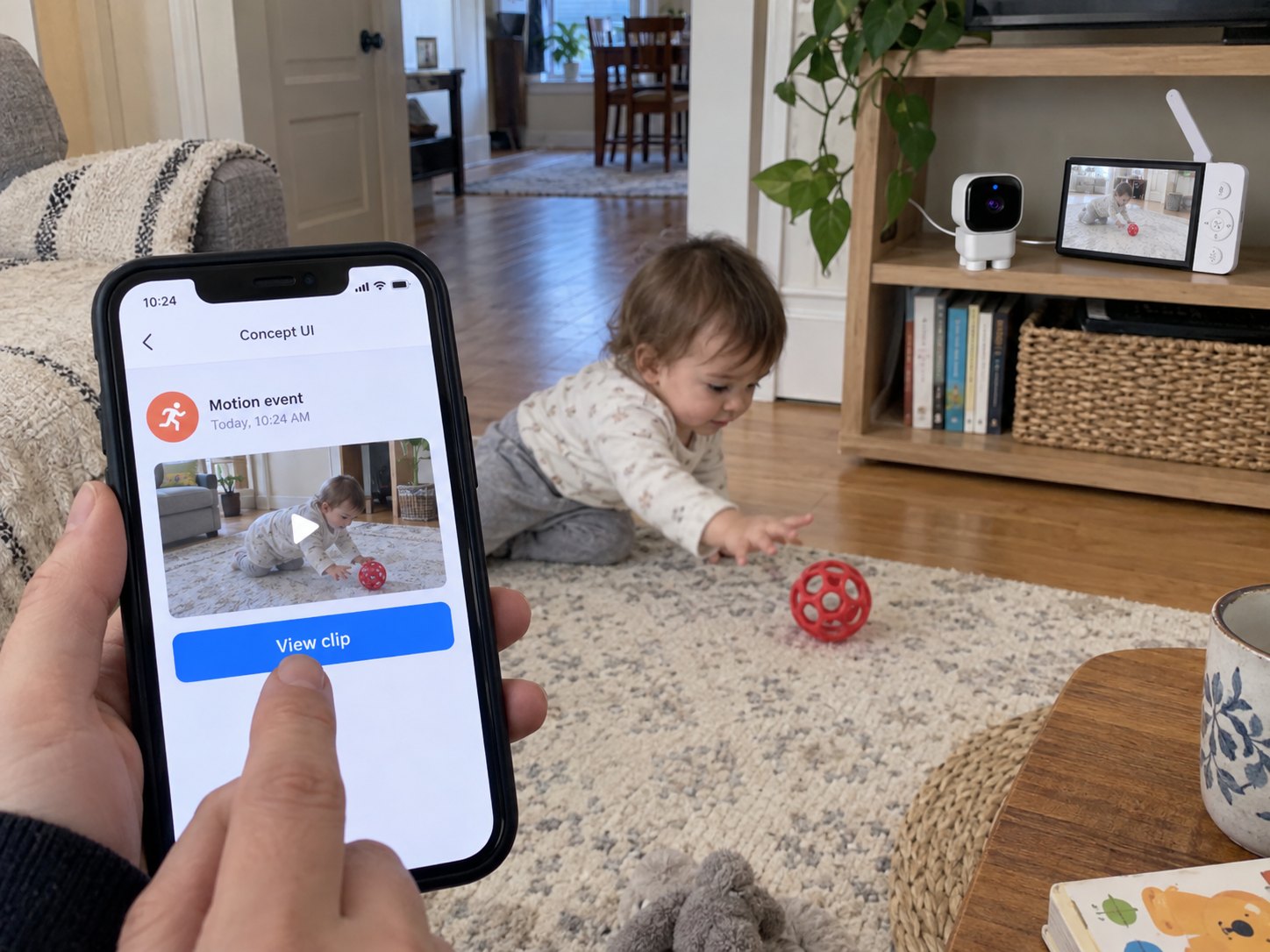
A repeatable event followed through detection, any saved clip and each promised notification destination, with settings and exceptions recorded.
For a baby monitor motion detection project, start with a precise event-and-response brief. ANHONG can discuss consumer posture and activity scenarios, product definition and firmware or App/UI requirements. Confirm the model’s supported functions and limitations before making public feature claims.