Does Dual-Camera Split Screen Tell You How a Baby Monitor Handles Alerts?
Check baby monitor dual camera split screen, audio routing and off-screen alerts separately with a repeatable two-camera sample evaluation procedure.
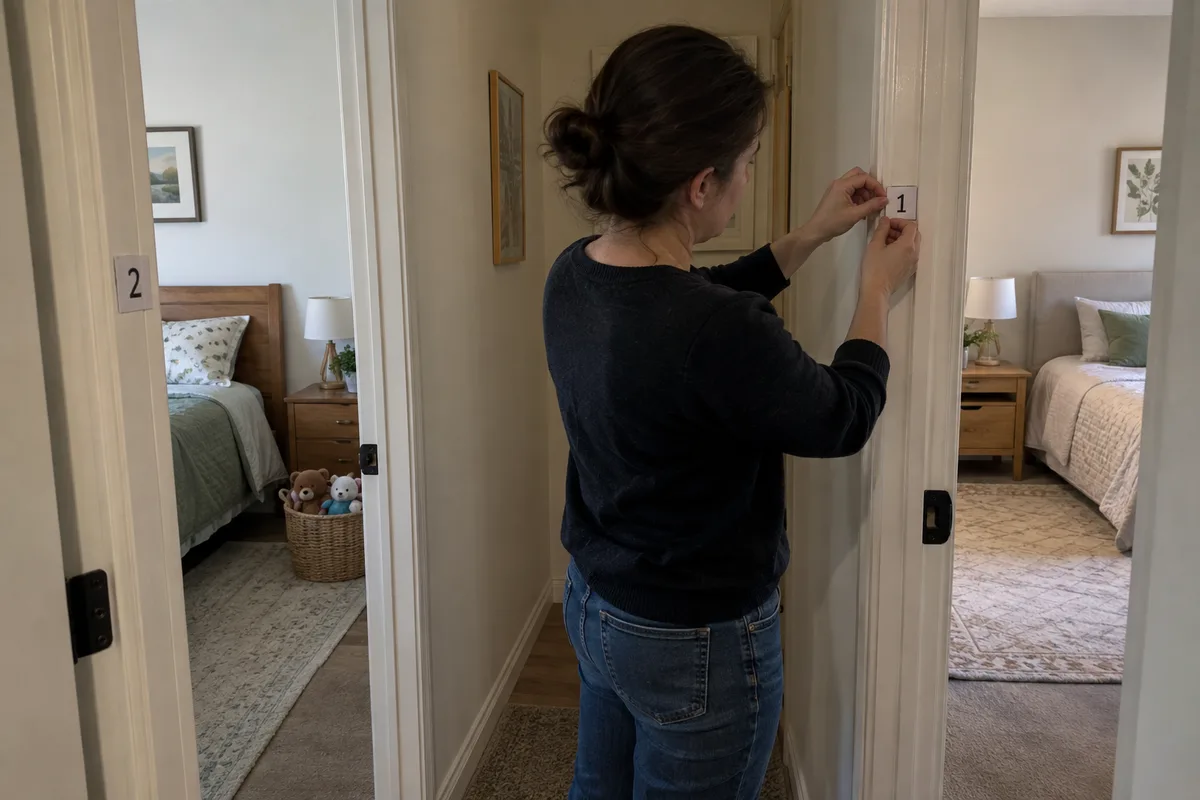
The display shows Camera 1. What happens if the configured sound event occurs at Camera 2? A buyer should be able to answer that question without guessing from the screen layout.
I would separate three requirements in a dual-camera brief: what video is displayed, which audio is heard and how events are indicated. Two pictures on a screen do not prove that both audio paths or event notifications behave as intended. A single-picture view does not automatically mean that the other camera’s events are ignored.
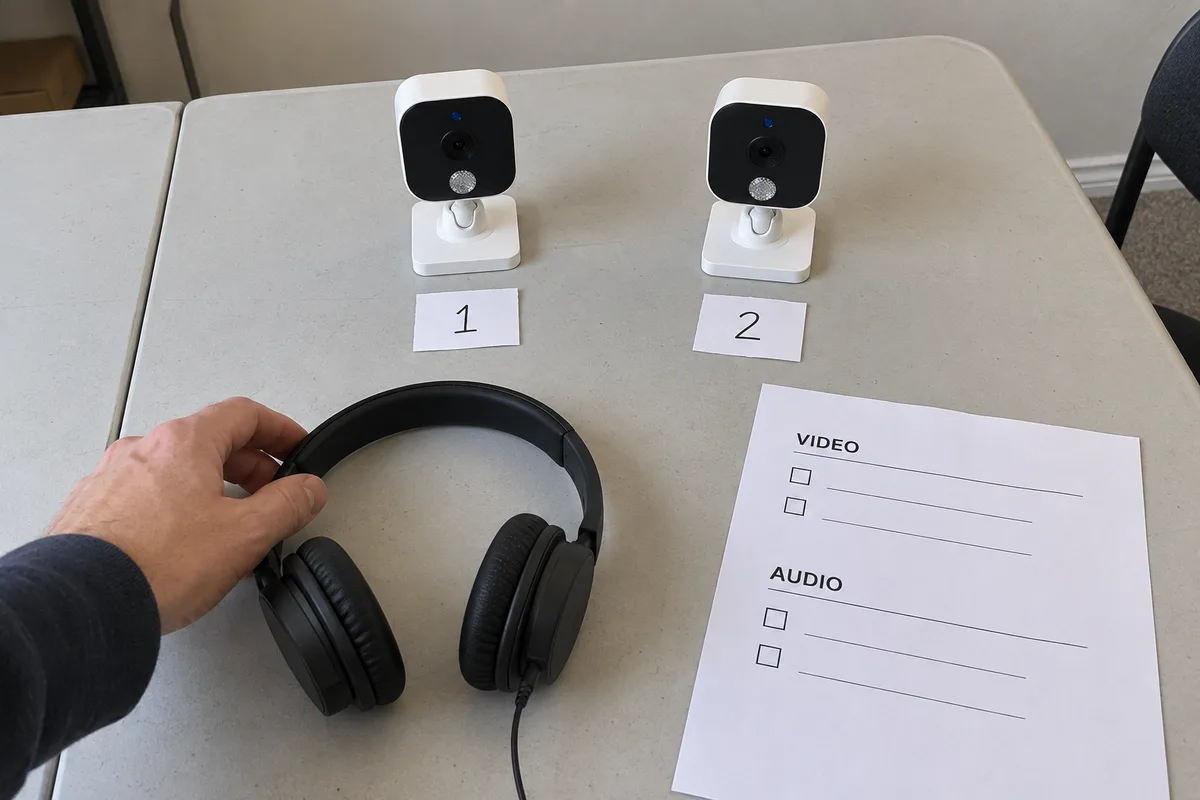
Which Display and Audio Behaviors Need Separate Answers?
Manual selection, automatic cycling and simultaneous views describe video presentation. Ask about audio and event behavior for each supported mode instead of treating them as consequences of the layout.
| Requirement | Question for the sample review |
|---|---|
| Video presentation | One view, cycling views or simultaneous views? |
| Audio routing | Selected camera, alternating audio or another documented behavior? |
| Event indication | What happens when the event originates outside the displayed view? |
| Camera identification | Can the user tell which camera produced the event? |
| Link status | How is loss of each camera connection shown? |
The desired response may be an indicator, an audible notification or a view change, depending on the brief. Agree that behavior explicitly. Do not declare auto-switching the only acceptable design without considering the intended use and controls.
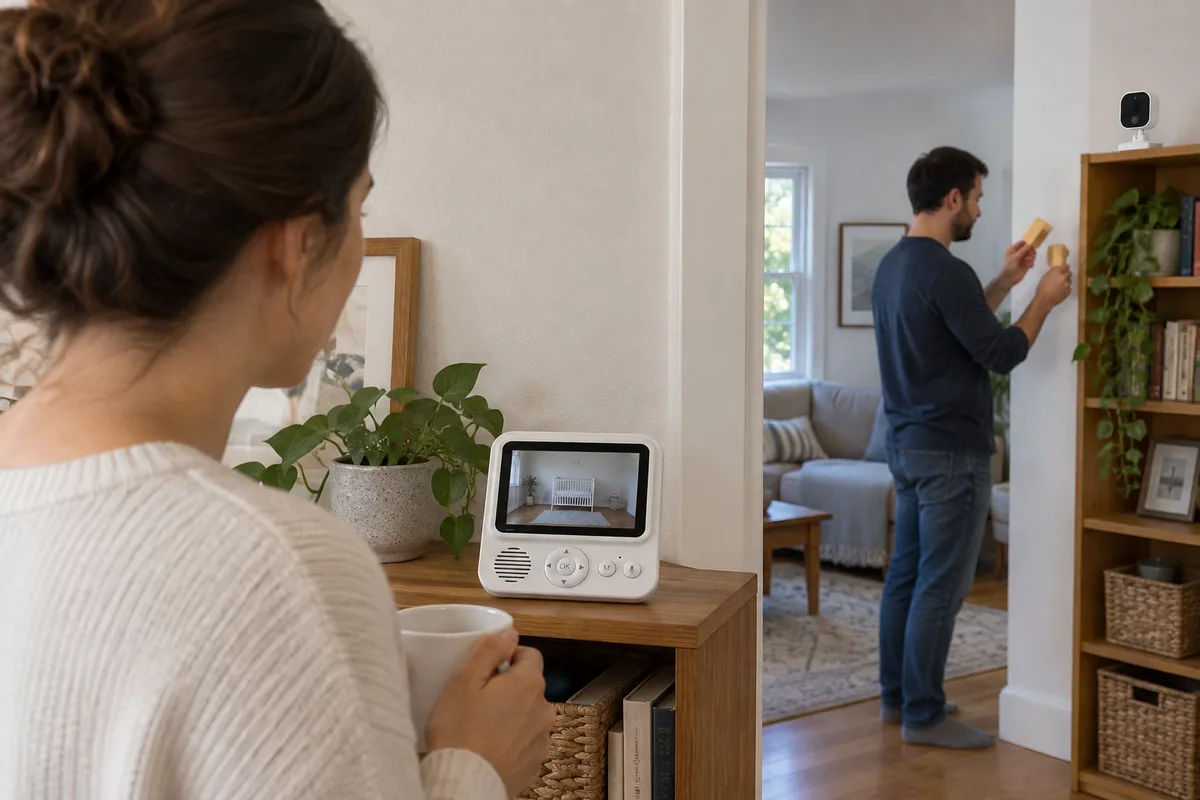
What Should You Ask About Platform Capacity?
Request the actual supported camera count, resolution, frame rate and operating combinations. Ask what changes when both cameras are connected and when an app or recording function is used at the same time, if offered.
A chip count or the phrase “two decoders” is not a substitute for an operating demonstration. Implementations differ in how processing and display resources are used. Evaluate the platform’s documented capability and the actual sample result rather than assuming a universal architecture.
Observe video stability, control response and audio behavior in the supported combinations. If dual-camera operation has different runtime or image settings, those differences should be documented instead of hidden behind one headline specification.
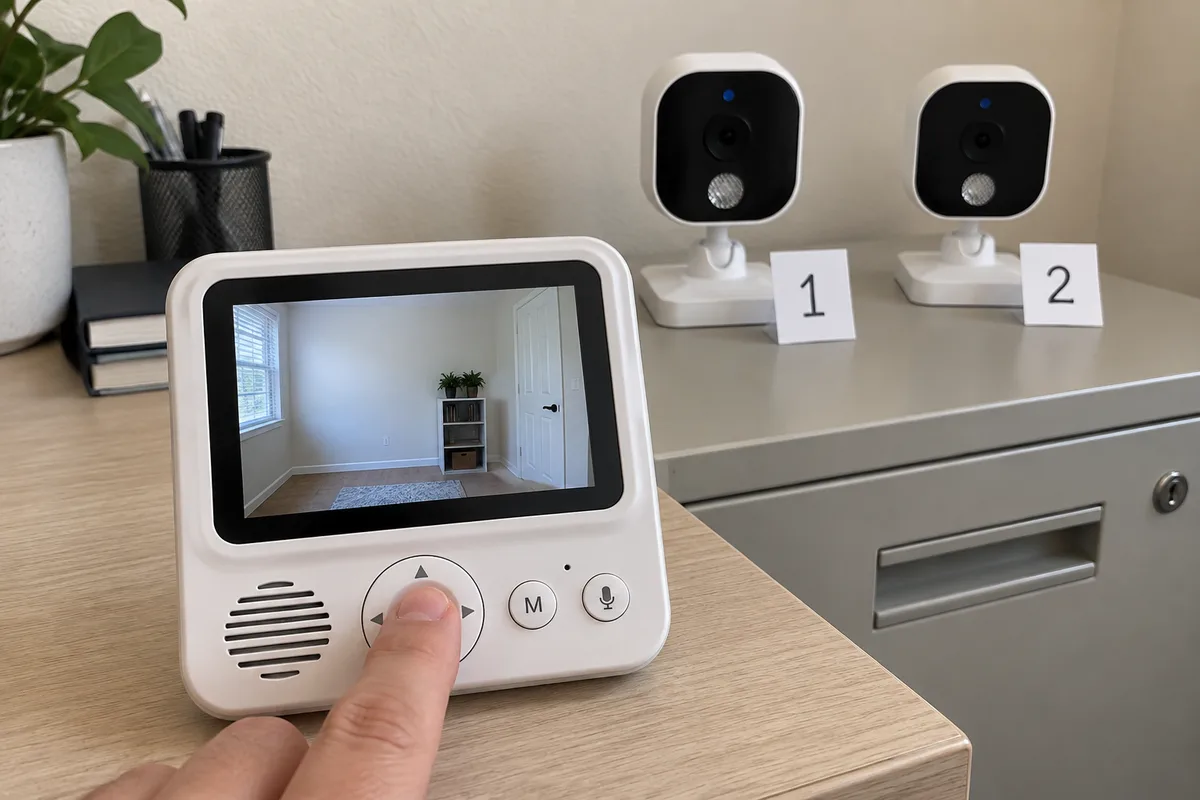
How Do You Check an Event From the Other Camera?
Place the cameras in two controlled locations. Select Camera 1, then produce a repeatable event at Camera 2 using the supplier’s supported procedure. Record the expected and observed indication, source identification and any view change. Reverse the roles and repeat.
Repeat in the supported display modes and screen-off state. Include mute, per-camera sensitivity and event settings where available. A test with notifications disabled should not be mislabelled as a failure to detect the event; keep detection and delivery conditions separate.
If the brief includes a timing claim, agree how it is measured and check the complete sequence. Do not turn “immediate” into a public promise without a defined method and evidence.
What Else Belongs in the Two-Camera Acceptance Record?
What happens if one camera disconnects?
Use the documented procedure to interrupt one connection and check the source identification and recovery message. Verify what remains available from the other camera. Record the behavior instead of inferring it from the signal icon.
What happens when events overlap?
If concurrent event handling is part of the brief, create a controlled repeatable sequence at both cameras. Check which indication is shown, whether the source is understandable and how the user returns to the intended view.
What happens after restart or re-pairing?
Confirm camera labels and the documented settings persistence. A usable dual-camera experience depends on understandable camera identity, not simply successful pairing.
Which details must match the order?
Record the parent unit, both cameras, firmware versions, supported modes and settings. Confirm compatible replacement-camera availability and pairing instructions for the offered configuration.
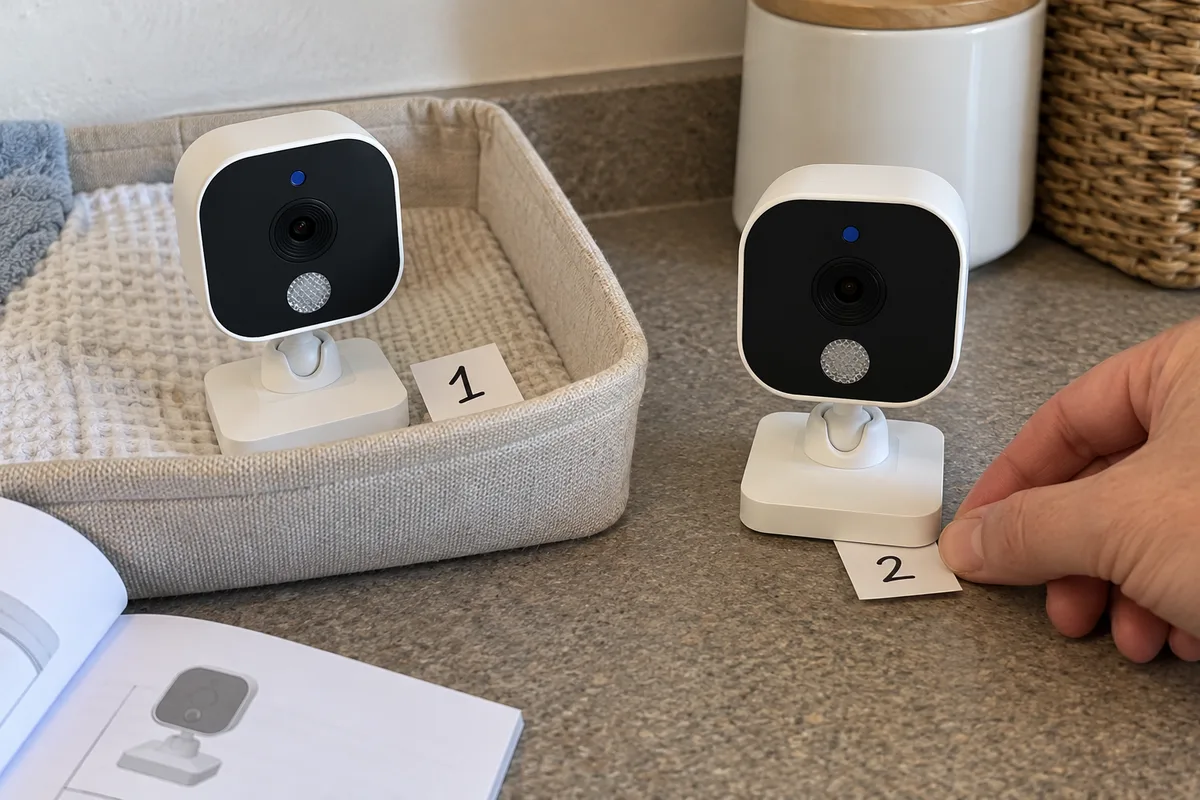
What Else Do Buyers Ask About Dual-Camera Monitors?
Does split screen guarantee audio from both cameras?
No. Audio routing needs its own answer and sample check.
Does manual switching mean off-screen notifications are suppressed?
Not necessarily. The display and event-handling behaviors may be independent. Verify the model rather than assuming a gap.
Must an event automatically switch the display?
That is a product requirement to agree, not a universal rule. The implemented indication should be clear and consistent with the manual.
Will a firmware update add simultaneous views?
Only if the platform and implementation support the requested operation. Obtain a confirmed roadmap and demonstrate the relevant release before claiming availability.
Should runtime be tested with both cameras connected?
Yes, if that is an advertised use profile. Keep the result separate from a single-camera test and document the display and audio modes.
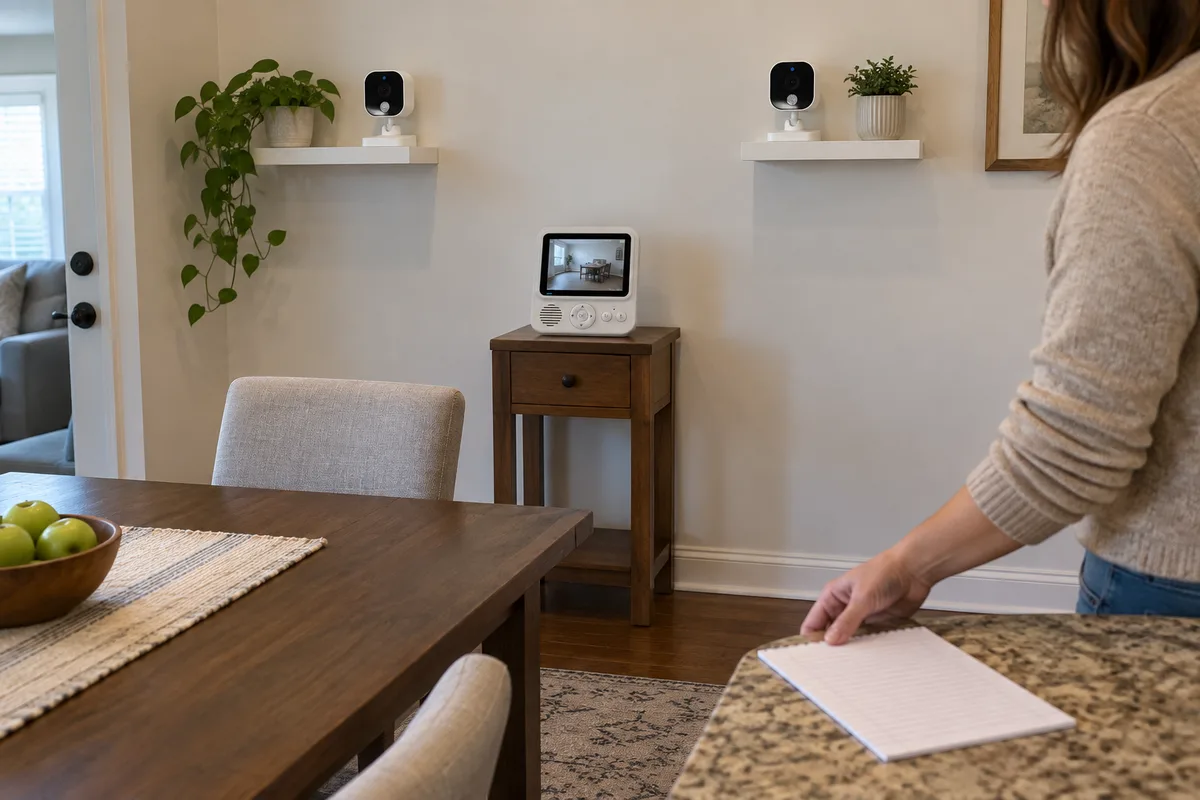
When specifying baby monitor dual camera split screen, write video, audio and event behavior as separate acceptance items. ANHONG can discuss product definition and firmware or UI requirements for your intended configuration. Bring a two-camera use scenario so the sample check answers the questions your customers will actually ask.