How Should Brands Choose Between No-WiFi, Wi-Fi and Dual-Mode Baby Monitors?
Choose a baby monitor architecture around viewing needs, offline behavior and support ownership. Compare direct-link, Wi-Fi and dual-mode proposals.
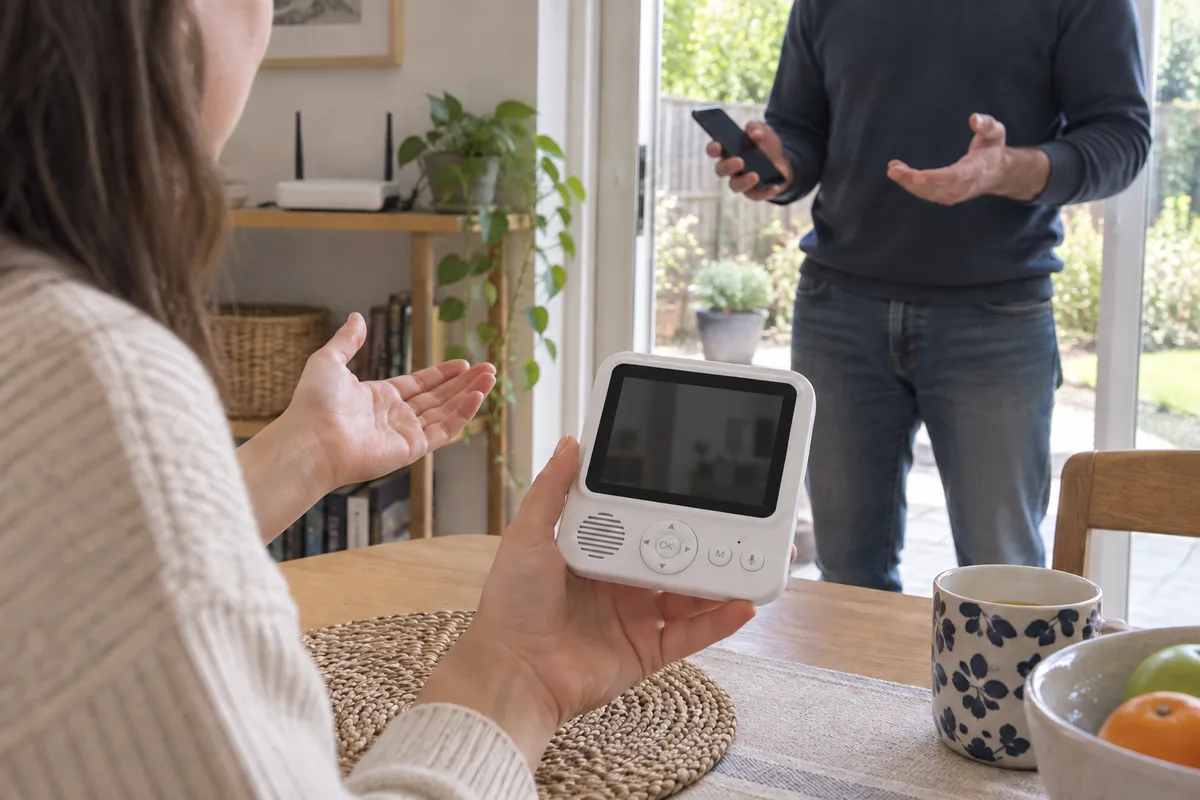
Choosing a baby monitor architecture is a decision about the viewing experience and the system your brand will support. Start with where the user needs to watch, which device they expect to use and what should keep working when part of the system is unavailable.
I would write those requirements before comparing feature counts. A dedicated parent screen, phone access and a hybrid arrangement can each fit a different product brief. The label on its own does not specify the complete behavior.
This guide compares procurement questions, not named-model performance. It does not assume that every ANHONG product supports every function described.
What Should “No-WiFi,” “Wi-Fi” and “Dual-Mode” Mean in the Brief?
For this comparison, No-WiFi means a camera and dedicated parent unit using a direct radio link without a household Wi-Fi connection for that viewing path. Wi-Fi means that the camera uses a Wi-Fi network for a specified viewing path, commonly involving an app. Dual-mode means the offered configuration includes both a dedicated viewing path and an app/network path; their independence still needs to be established.
These are working definitions for the purchasing discussion, not a claim that all suppliers use the labels identically. Ask for a system description showing camera, parent unit, router, internet connection and any cloud service actually involved.
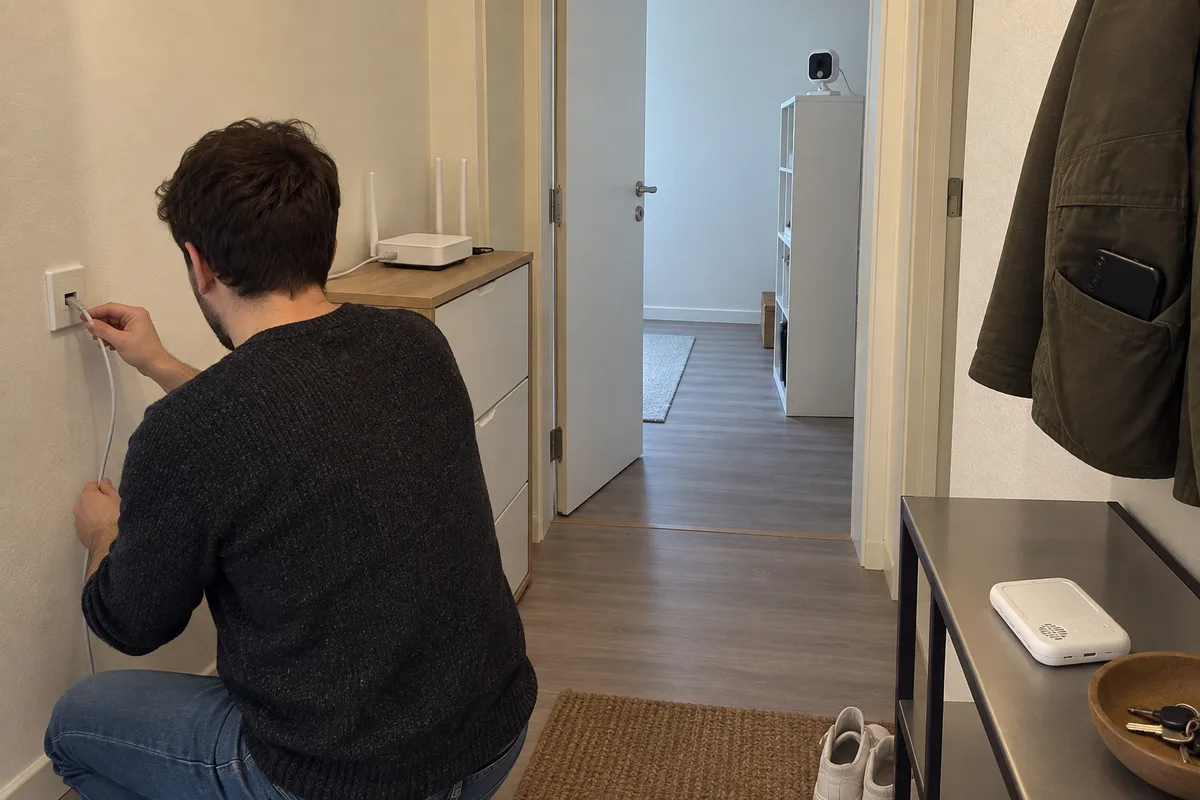
Do not infer the complete system from whether a router appears in a marketing image. The useful question is which connection each promised function actually needs.
Which Viewing Tasks Should Drive the Choice?
Specify local viewing, viewing from outside the home, use by another authorized caregiver and any storage or alert requirement. Then identify the intended receiving device for each task.
For a dedicated parent unit, review screen controls, charging, carrying and the required room-to-room route. For an app path, review onboarding, phone compatibility, account access and notification behavior. If both are offered, test both rather than allowing a successful app demonstration to stand in for the parent unit.
Ask what requires account creation, internet access or a paid service. Record the behavior if the user declines an optional service. Avoid leaving the retail team to discover these distinctions after packaging has been printed.
How Should a Buyer Check Offline and Recovery Behavior?
Define the failure scenarios separately. Disconnecting the internet while leaving the router powered is not the same as turning off the router. Logging out of an app is not the same as losing the camera’s power.
For each scenario, observe the specified viewing, audio, alert and storage functions, then restore the condition and record recovery. Use the intended out-of-box settings and retain any configuration changes made during the test.
For a dual-mode proposal, explicitly ask which functions are independent and which share components or services. A second viewing route can be valuable, but it should not be described as a verified fallback until the offered configuration has been evaluated under the specified failure condition.
What Does Each Architecture Add to the Support Discussion?
Build a responsibility list as well as a hardware list. A direct-link product still needs documented pairing, firmware maintenance, customer instructions and after-sales coordination. An app-based proposal adds questions about app releases, supported operating systems, account handling and the services used by that particular design.
NIST’s consumer IoT profile considers the complete IoT product when describing cybersecurity outcomes. Apply that perspective to the networked parts of the proposal rather than treating the camera enclosure as the whole support boundary.
For a hybrid project, assign responsibility for both experiences. Ask how a firmware or service update will be checked against the parent unit and the app, and what happens when one part reaches the end of support. Do not infer a fixed cost premium or saving from the architecture name alone.
What Should the Architecture Decision Table Contain?
| Purchasing question | Direct-link / No-WiFi proposal | Wi-Fi / app proposal | Dual-mode proposal |
|---|---|---|---|
| Primary viewer | Define supplied parent device | Define phone/app or other viewer | Define both and their roles |
| Local operation | Verify required indoor route | Verify local network/service dependencies | Verify each route and shared dependencies |
| Away-from-home use | Do not imply it from a direct link | Confirm supported remote path | Confirm which path supports it |
| Outage behavior | Test link loss and recovery | Separate router, internet and service loss | Test claimed fallback explicitly |
| Support ownership | Pairing, device software, instructions | Add app/account/service responsibilities as applicable | Assign cross-path release and support ownership |
| Cost review | Hardware and lifecycle scope | Hardware plus applicable software/service scope | Full offered configuration and lifecycle scope |
| Acceptance evidence | Actual sample and route record | Actual app/device/network record | Separate results plus interaction checks |
Use the table to compare proposals, not to assign automatic winners. Mark unsupported functions as unavailable instead of filling gaps with assumptions.
What Else Do Brands Ask About Architecture Choice?
Does No-WiFi mean there is no wireless link?
Not in the working definition used here. The camera-to-parent path is still a radio link; the distinction is its relationship to household Wi-Fi and network services.
Does Wi-Fi necessarily mean cloud recording?
Do not infer storage behavior from the connection label. Request the actual local and remote storage options, dependencies and commercial terms.
Does dual-mode guarantee independent fallback?
No guarantee follows from the name. Verify the offered topology and test the specific outage scenarios for the required functions.
Is one architecture always cheaper over the product lifetime?
Compare the quoted configuration and support obligations. Component integration, app ownership, service use and lifecycle commitments make a universal price claim unhelpful.
What Should You Send ANHONG for Architecture Selection?
Share the target channel, viewing locations, preferred receiving devices, offline expectations, storage needs and software-support responsibilities. Include target markets and the intended launch configuration.
ANHONG can discuss direct-link, Wi-Fi and monitor-plus-app product requirements within its sourcing and OEM/ODM services. The strongest baby monitor architecture brief describes the experience to verify and the system to support, not simply the longest feature list.
Place the selected architecture and ownership boundaries in the OEM/ODM project brief.