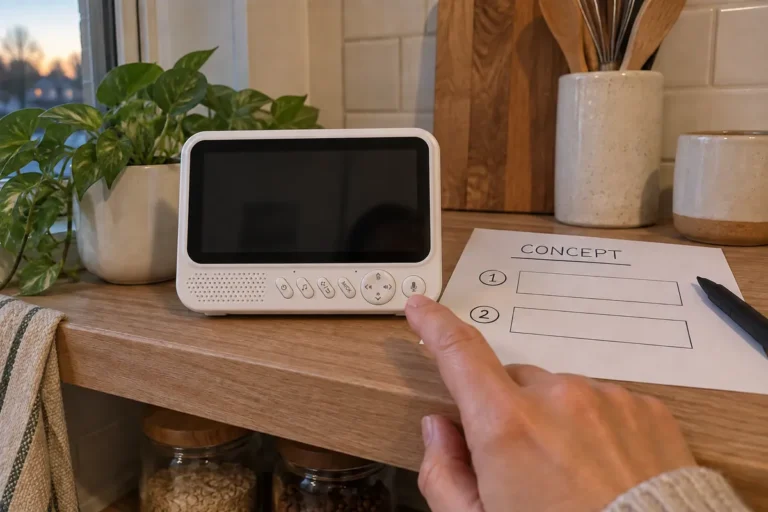
How Should Brands Define Mechanical Accessory Compatibility Across Camera Revisions?
Define mechanical accessory compatibility across baby monitor camera revisions through fit checks, orientation records and approved combinations.
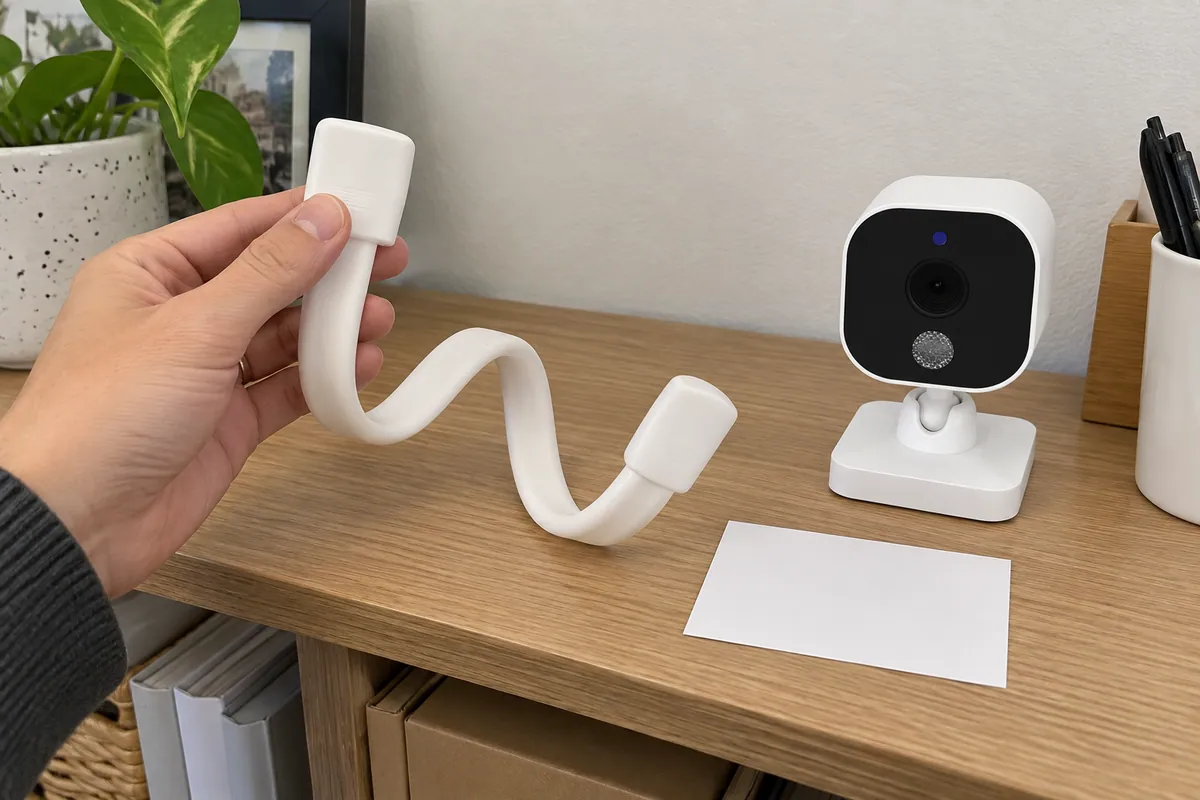
Brands should define mechanical accessory compatibility across camera revisions by documenting the physical interface, permitted combinations, orientation, and fit checks for each revision. A mount, stand, bracket, cradle, or other physical accessory may look interchangeable while a small change in housing shape, screw location, contact surface, cable exit, or orientation changes the way the combination fits.
This article does not address wireless pairing, kit packing, or component-change approval. Its subject is simpler and more concrete: can the selected camera revision and selected physical accessory be assembled and used together as the brand intends?
ANHONG supplies baby-monitor products and supports product definition, ID and structural design, hardware, samples, mass production, and OEM/ODM work. That combination is useful when a buyer needs to convert “the existing stand should still work” into a physical compatibility question that can be checked on the selected sample configuration.
Why Is “Fits” Too Vague for an Accessory Decision?
“Fits” can mean several different things. The accessory may attach, but face the camera in the wrong direction. It may attach in the intended direction, but leave a visible gap. It may rest on a surface but obstruct a cable exit. It may appear compatible in a hand-held demonstration but not sit correctly when assembled in the intended position.
For each accessory, name the intended use and the allowed configuration. A desk stand for one camera revision is not automatically a wall-mount solution for another. A cradle that accepts an outer housing shape may not prove that its opening, support points, and orientation match the final use. The buyer should ask for evidence from the exact physical combination, not an assumption based on a similar image.
This matters especially when a brand keeps an accessory across a camera update. The accessory has its own customer-facing value: it affects how the product is presented, installed, handled, and supported. Treating it as an afterthought can create avoidable sample and packaging revisions.
What Should a Compatibility Matrix Record?
Use a matrix that identifies a camera revision and accessory by their physical relationship. The table below is an illustrative buyer tool, not an ANHONG engineering or release record.
| Camera revision | Accessory | Intended orientation | Interface or contact area | Fit check required | Allowed combination status |
|---|---|---|---|---|---|
| Revision named by project | Desk stand named by project | Upright / defined direction | Record the physical interface and support points | Attach, orient, cable-clearance and stable-placement observation | Pending / approved / not approved |
| Revision named by project | Wall bracket named by project | Defined installed direction | Record screw, slot, clip or contact relationship where applicable | Assemble with approved hardware and observe final orientation | Pending / approved / not approved |
| Revision named by project | Protective cradle named by project | Defined handling direction | Record outer-shell contact zones | Insert, remove and check intended access points | Pending / approved / not approved |
The goal is not to turn marketing into a mechanical drawing. The goal is to ensure that everyone refers to the same camera revision, accessory, orientation, and check. If an interface detail is confidential, it can remain in controlled project material while the public product description simply states the confirmed accessory scope.
Which Physical Checks Belong in the Sample Review?
Check the combination in the way it is intended to be used. At a minimum, observe attachment, orientation, contact points, clearance around relevant external features, and whether the assembled product rests or mounts as the project expects. If the accessory has a release action, observe whether it can be removed and reattached without forcing the housing. If the product includes a cable in the selected configuration, observe whether the intended cable route remains unobstructed.
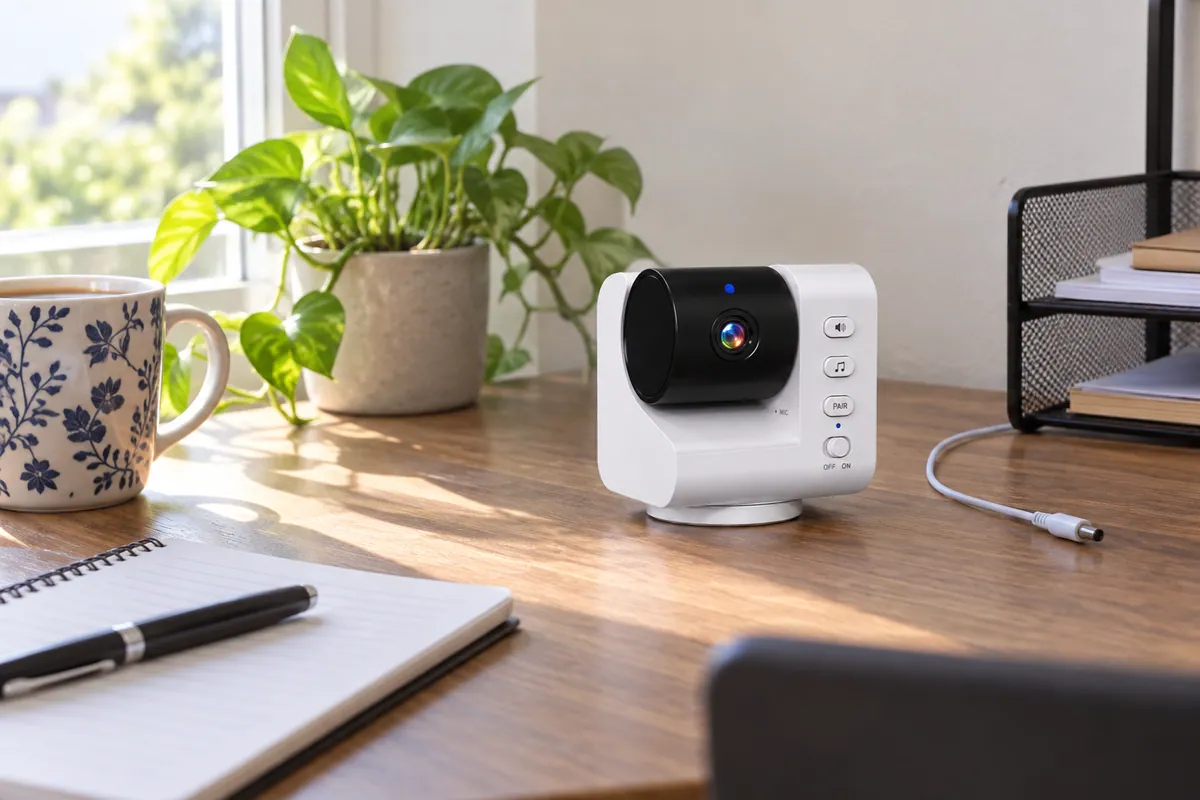
Describe what is seen rather than making an unsupported performance claim. “The selected camera sat in the approved stand with its lens facing the intended direction” is a sample observation. “The stand is universally secure” is a broad promise that requires different evidence. A project may also need market-specific installation review; that requirement should be handled with the relevant product, configuration, and market information rather than assumed from a generic mount.
ANHONG can support samples and structural-design discussions, so a buyer can bring the actual accessory set into the same review as the camera revision. We would recommend using the physical parts, rather than only a drawing or a previous product photograph, before labeling a combination as approved.
How Should Brands Define Orientation and Allowed Combinations?
Name the orientation in ordinary language and document it with a simple approved reference image or project drawing where available. “Lens toward room,” “cable exit downward,” or “release tab accessible from the rear” is clearer than “correct assembly.” Use an internal orientation record when public instructions would be too broad or would expose confidential mechanical detail.
Then define which combinations are allowed. A brand may approve one camera revision with one stand, keep another combination pending, and prohibit a third until a revised sample is available. This is not indecision; it is a more accurate product definition.
| Decision | What it means | What should happen next |
|---|---|---|
| Approved combination | Exact camera, accessory and direction have been reviewed | Keep the approved reference with packaging and user-material planning |
| Pending combination | A fit or orientation question remains | Request the applicable sample evidence before public claims |
| Not approved combination | The intended use is not accepted for the current revision | Keep it out of the kit, instructions and sales assets until scope changes |
ANHONG’s packaging-localization support can help keep physical accessory information aligned with the selected configuration. That is valuable because a package image, insert, and user instruction should not imply that an accessory fits every revision when the project evidence only covers one combination. The same discipline helps when considering baby monitor customization for an existing platform.
When Does a Camera Revision Require a New Fit Check?
Perform a new fit check when the camera revision changes a physical feature that could affect the accessory relationship, when the accessory changes, when the intended orientation changes, or when a new use context is added. Do not assume that a new revision is compatible merely because its product name stays the same.
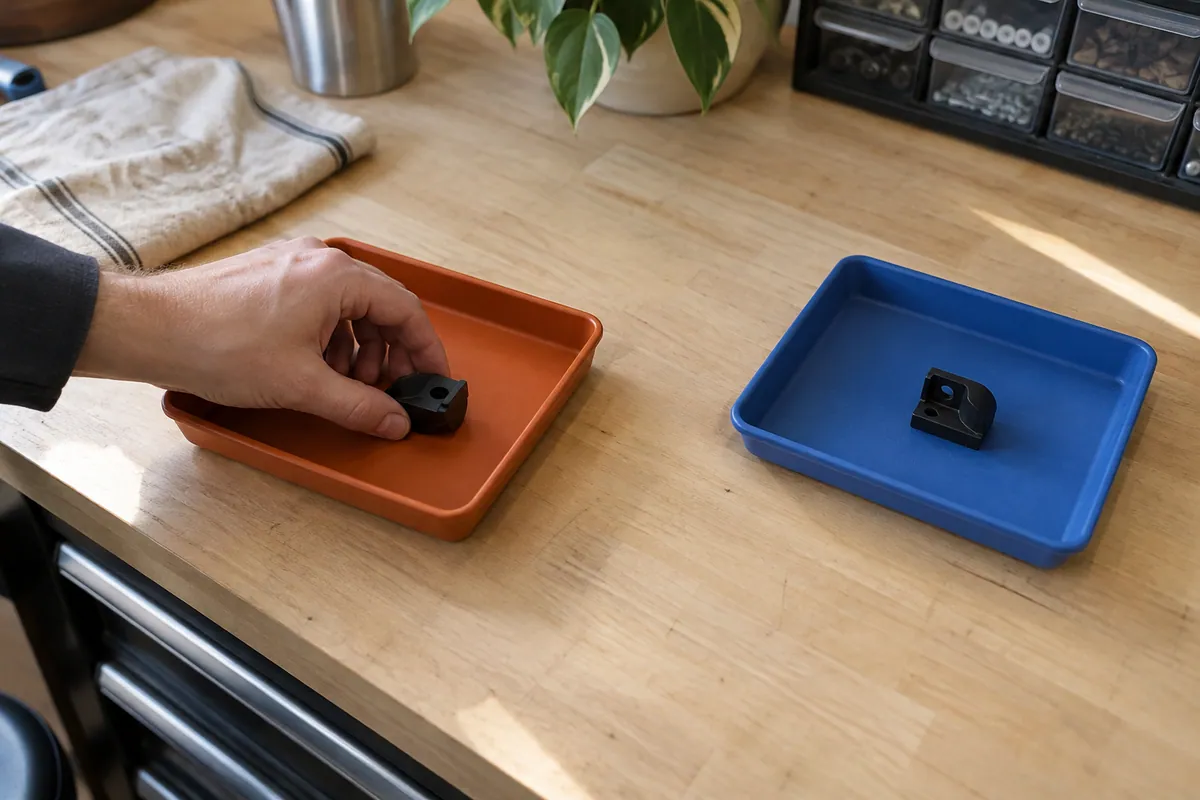
This is not the same as a component-change approval process. That process asks whether a proposed change is authorized and what wider revalidation it may need. The compatibility check asks a narrower question: does this named physical combination assemble and present correctly for the intended use? Keeping the two records separate makes each easier to review.
It is also different from kit-control work. A kit plan helps ensure that the correct accessory is packed. A compatibility record establishes which accessory is actually allowed to accompany the named camera revision in the first place.
How Can the Record Support Product Materials and After-Sales?
Once a combination is approved, use the same naming in the product brief, packaging artwork, user materials, and support guidance. If an accessory is optional or restricted to a particular configuration, state that internally before a visual or copy team turns it into a general promise.
ANHONG provides B2B after-sales coordination as well as product, sample, and production services. Clear compatibility records give brands a better starting point for discussing which physical combination was sold and what information a channel partner or support team should receive. They do not replace product-specific investigation when a field issue occurs.
For a baby monitor accessory project, contact ANHONG with the camera revision, accessory type, intended orientation, and target market. We can discuss an OEM or ODM sample scope that keeps the physical combination clear before production planning.
What Do Brands Ask About Accessory Compatibility?
How can a buyer verify a fit when detailed drawings are confidential?
Use a controlled sample check and a non-public record that identifies the camera revision, accessory revision, orientation, and reviewer. The public article or sales asset need only state the confirmed combination; it should not expose protected dimensions or interface drawings.
What should happen to old stock with an unclear revision label?
Separate it from confirmed combinations and mark it for identification before it is packed, promoted, or used as a support replacement. Do not infer compatibility from appearance alone.
How should an accessory sold separately be recorded?
Keep the commercial scope distinct from fit status. Record that the accessory is optional or separately supplied, name the compatible configuration, and ensure product materials do not make it look included in every kit.
Can one approved pairing prove that every unit will fit every accessory?
No. The approval belongs to the named camera revision, accessory revision, orientation, and evidence reviewed. Broader compatibility requires its own defined scope and evidence.