How Should Brands Define PTZ Control When Multiple Viewers Are Connected?
Define who can move a baby monitor camera, how overlapping requests are handled, and what each viewer sees in a configuration-specific sample review.

Brands should define multi-viewer PTZ control before launch by deciding who may request movement, what happens when two requests overlap, and how every viewer can tell what the camera is doing. A PTZ camera may be technically able to move while the product experience remains unclear when a parent unit, an app, or two app users all try to act at once.
This is a product-definition question for a configuration that the supplier has confirmed supports both PTZ movement and the relevant viewer connections. It is not a claim that every baby monitor has multi-viewer access, simultaneous control, preset positions, or a particular conflict-resolution method.
ANHONG's PTZ product category and its firmware and App/UI development scope are relevant to this decision. A brand can bring a proposed two-viewer sequence to a configuration-specific sample discussion, before describing shared control in a sales page or support script.
What Is the Actual Conflict a Brand Needs to Resolve?
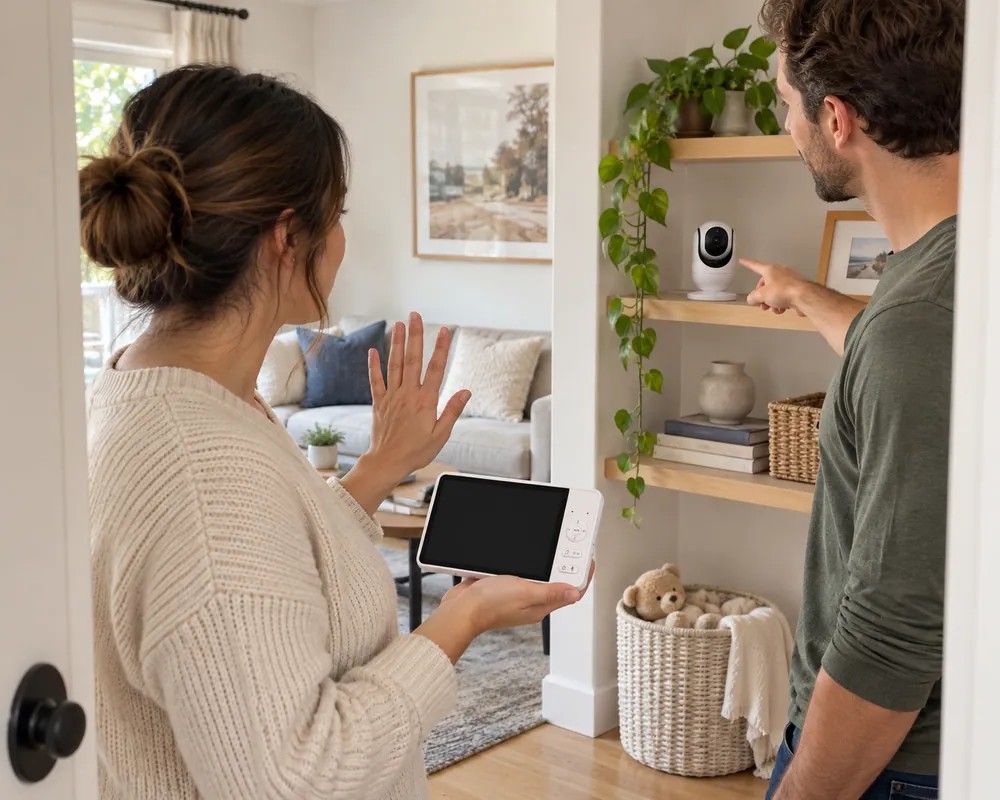
The conflict is not simply “two people are watching.” It begins when one viewer expects the camera to keep its present view while another viewer asks it to pan, tilt, or stop. The first viewer may see the view change without knowing why. The second viewer may not know whether the request was accepted. A support team may not know which account, device, or control route was involved.
Write down the relevant roles before choosing a rule. A simple project may have one primary household operator and one invited viewer. Another may have an app user and a local parent-unit user. The commercial need is to define the roles and the visible result, not to assume that one interface always takes priority.
Which Control Rules Can a Buyer Compare?
Different configurations may use different rules. The buyer should ask the supplier to identify the implemented behavior, then decide whether it fits the intended product positioning. A useful requirement describes the result a viewer sees rather than naming an unconfirmed technical mechanism.
| Proposed rule to review | Buyer question | Evidence to request from the sample |
|---|---|---|
| One active controller | Who can move the camera while control is active? | A demonstrated request, response, and release path |
| Latest request takes effect | What does the earlier viewer see when another request arrives? | A repeatable two-viewer sequence with visible status |
| Role-based control | Which named role may request movement? | The configured role and its available controls |
| Local-interface priority | Does the parent unit have a documented priority in this configuration? | A supplier-confirmed sequence, if the product supports both paths |
This is a proposed decision tool, not an ANHONG control policy. A brand may choose a simple rule with clear feedback over a more complex rule that is difficult to explain. What matters is that the approved user journey, documentation, and sample behavior tell the same story.
How Should Brands Make Camera Movement Visible to Other Viewers?
Movement itself is information. When the camera changes direction, a viewer needs enough context to understand whether the view changed because of their action, another permitted user, or an expected product behavior. The exact indicator, message, or interaction route must be confirmed for the selected configuration. Do not invent an on-screen label merely because it would be useful.
The buyer can still specify an outcome: a person who loses the current view should have a documented way to understand the new state and continue the intended task. During a sample review, ask two reviewers to follow an agreed sequence. Record the starting view, each request, the observed view after each request, and any feedback that was actually shown. This differs from evaluating PTZ position repeatability, which asks how one operator returns to a target view. Here the question is how multiple operators understand a contested view.
What Should a Multi-Viewer Control Record Contain?
Use a short conflict record instead of a vague requirement such as “support family sharing.”
| Step | Viewer A action | Viewer B action | Expected documented behavior | Observed result | Decision owner |
|---|---|---|---|---|---|
| Start | Open the confirmed viewing route | Open the confirmed viewing route | Both reach the agreed starting view | Record sample state | Brand |
| Request | Ask for one PTZ movement | Keep viewing | Record the defined control rule | Record actual feedback and view | Product owner |
| Overlap | Make a second request | Make a competing request | Record the configured priority or handling | Record which request took effect | Brand and supplier |
| Recovery | Return to an agreed view | Confirm the final view | Record the user path to recover | Note unclear steps | Documentation owner |
The table separates a commercial decision from an unsupported assumption about software architecture. It also gives ANHONG a more useful input for App/UI and firmware discussions: the requested roles, conflict point, expected visible outcome, and sample evidence.
When Should the Brand Reduce the Scope?
Reduce the scope when a proposed feature cannot be demonstrated, documented, or supported for the selected product. For example, a brand may decide that viewing can be shared but PTZ control belongs to one confirmed route. That is a clearer offer than describing universal simultaneous control without an agreed result.
The same applies when a product is sold through channels that need simple setup material. A role matrix may be appropriate for an app-led product, while another configuration may require only one documented controller. ANHONG can discuss standard sourcing, Private Label, OEM, or ODM scope, but the buyer should freeze which viewing and control journeys are actually included before packaging or account instructions are written.
How Should This Rule Reach Support and Launch Materials?
The final rule should be present in the product brief, user-facing instructions, and support intake. Use the same names for roles and control routes across those materials. If a viewer reports an unexpected movement, the support team should first be able to identify the configuration, active viewing routes, and documented rule before treating the report as a product failure.
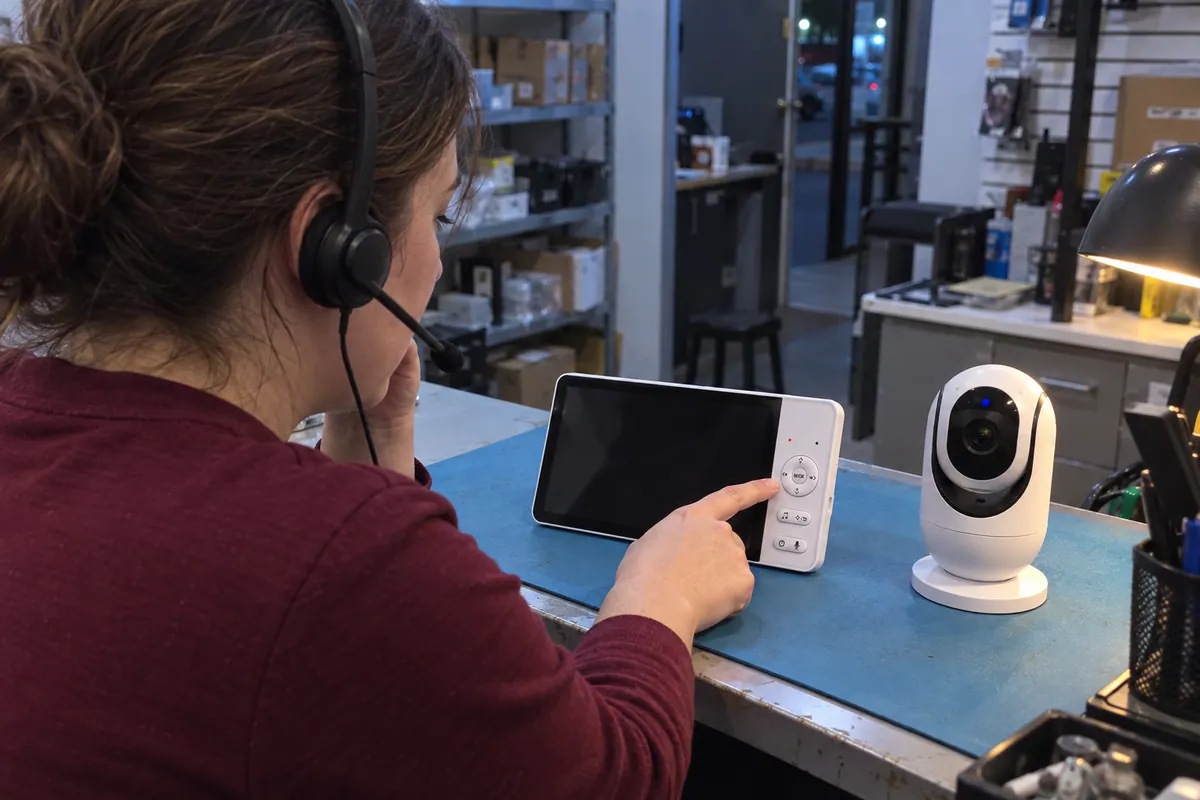
For a PTZ baby monitor project, start with the confirmed configuration and the viewer roles you want to support. ANHONG’s product-development overview explains the broader scope, while baby monitor customization can help frame an OEM or ODM request. Contact ANHONG with the proposed roles and sample workflow to discuss the appropriate App/UI, firmware, and sample-review scope.
What Else Should Brands Ask About Multi-Viewer PTZ Control?
What happens if the active controller leaves without releasing control?
Add that departure to the brief as its own event. Ask how another permitted viewer regains control and what the original viewer sees on return. Do not assume that closing an app, losing a connection, and signing out produce the same result.
Should a reviewer deliberately send many rapid commands?
Begin with the agreed ordinary-use sequence so each request remains attributable. A separate stress investigation needs its own purpose and supplier-agreed setup; it should not replace the basic explanation of who controls the view.
How should an unavailable viewer be represented in the record?
Name the missing route and mark that sequence unobserved. A successful two-app demonstration cannot silently stand in for the parent-unit-plus-app combination that the intended configuration requires.
What if a future app revision adds another control route?
Reopen the affected conflict cases instead of assuming the earlier decision covers the new route. Preserve the previous role arrangement and define which interactions the added route changes, so a limited update does not become an undocumented redesign.